How to script a beauty product demonstration video
A useful beauty product demo shows the product, the relevant action and the information a customer needs to understand what happened. Write the script as a sequence of observable steps with approved claims, then decide which moments need close-ups, narration, captions or a slower explanation.
Dahna, original planning diagram
In this article
Overview
A useful beauty product demo shows the product, the relevant action and the information a customer needs to understand what happened. Write the script as a sequence of observable steps with approved claims, then decide which moments need close-ups, narration, captions or a slower explanation.
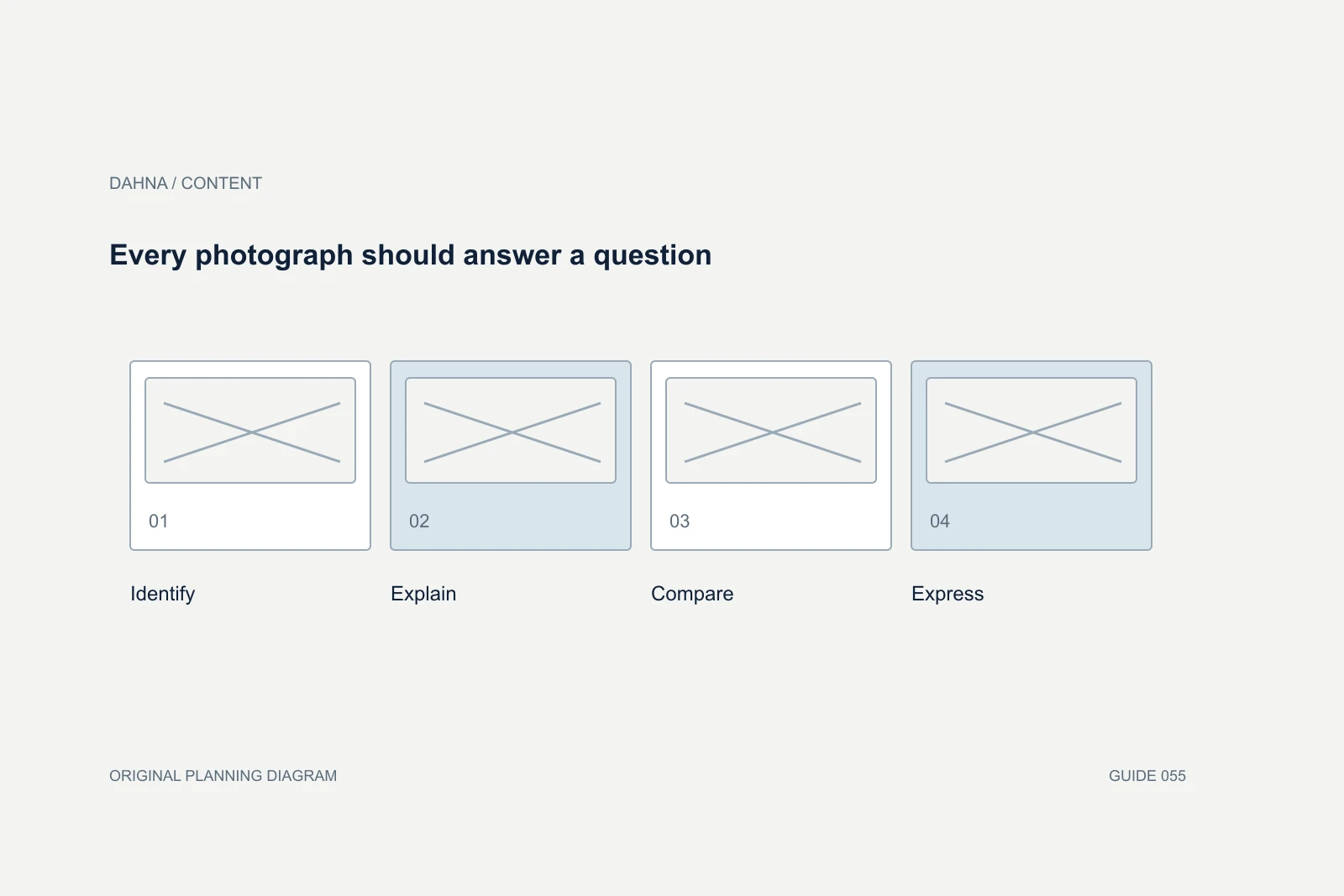
Choose one question the demonstration will answer
A short video cannot explain every ingredient, show the full routine and tell the founder’s story clearly. Pick the main customer question: how the dispenser works, what the texture looks like, how an attachment connects or what comes in the box. Supporting information should help that question rather than compete with it.
State the intended viewer’s starting knowledge. Someone already considering a device may need setup detail, while someone meeting the product for the first time needs identification and purpose. The script can then choose what to explain and what to link to in a longer resource.
Use the current product instructions as the factual base
NuFACE’s official TRINITY+ presentation includes preparation and device-use information. As a content example, it shows that preparation can be part of the demonstration rather than an invisible step. The specific instructions belong to the current product and should not be generalized to other devices.
For your own production, have the product owner provide approved instructions, limitations and the current model or formula. A creative team should not improvise technical use because it looks better on camera. If the safe or accurate action is too complex for the desired runtime, shorten the topic or make a longer instructional piece.
Write actions and words in parallel
Use a two-column script or storyboard that pairs the visible action with the spoken or written explanation. This exposes moments where the narration promises something the image does not show. It also reveals whether a step is being skipped between cuts.
Keep the first line useful. Naming the product and the task can be more effective than a vague promise to transform the viewer’s life. Let the demonstration earn attention through a clear action and a relevant question. Do not treat a dramatic opening as permission to overstate the outcome.
| Beat | Visible action | Information to communicate |
|---|---|---|
| Identify | Current product held with label readable | Name and purpose of this demonstration |
| Prepare | Cap removed and nozzle shown | Any necessary preparation from approved instructions |
| Operate | One continuous dispensing action | What the customer does and what is visible |
| Inspect | Representative product amount and texture | Describe observable qualities without inventing efficacy |
| Close | Product returned to its normal state | Where to find complete directions and product details |
Worked example: a cleanser that looks different when used
Imagine a fictional cleanser that changes appearance when combined with water according to its approved directions. The first creative idea shows only a glossy product swirl and a smiling model. That may be attractive, but it does not answer how the product behaves during use.
The revised script shows the starting texture, the approved preparation, the relevant action and the resulting visible state. A continuous shot or clearly explained edit preserves the relationship. The narration describes what can be observed and points to the full directions. This is a production example, not a claim about any real formula or a recommendation for a skincare routine.
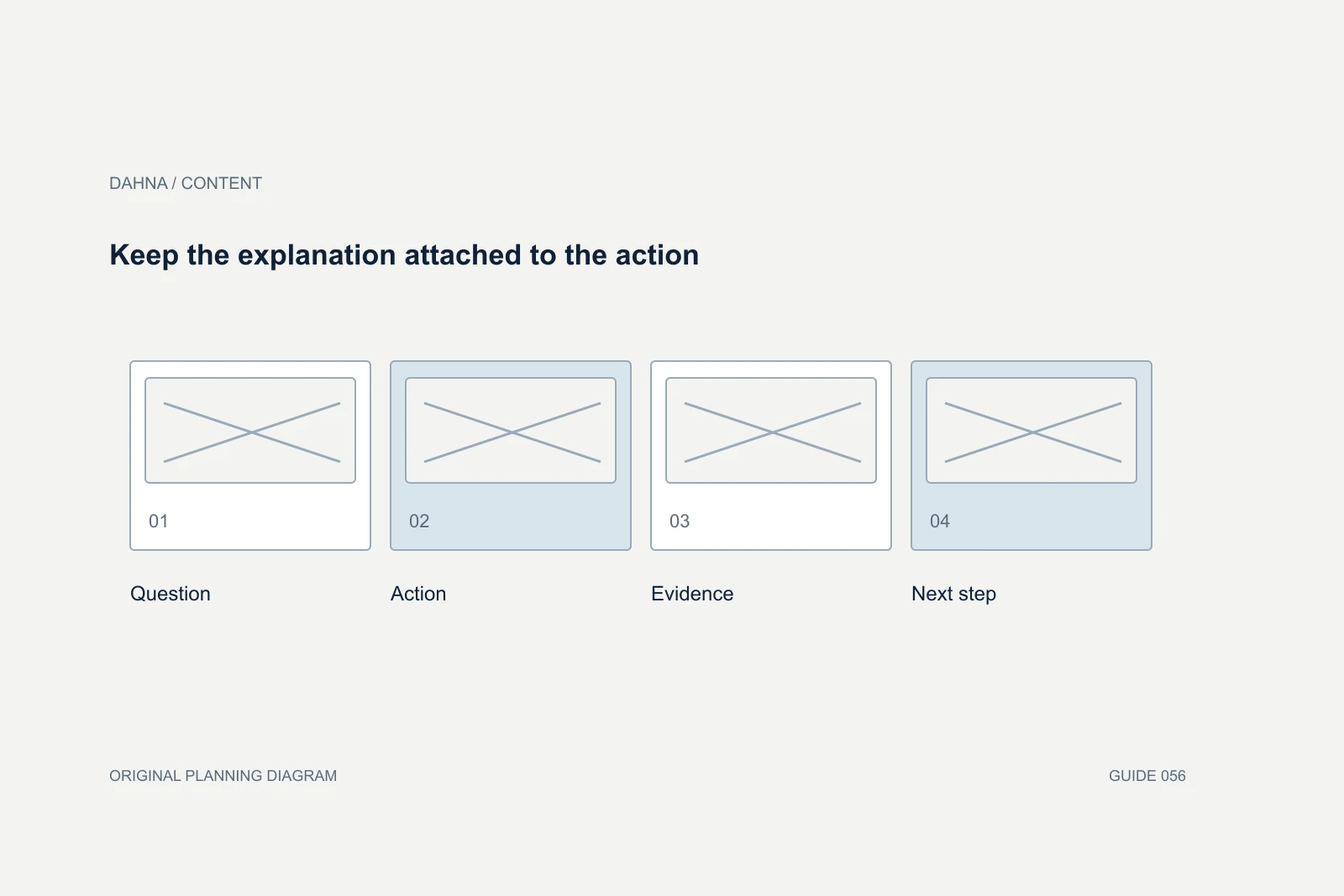
Keep the explanation attached to the action
Question
What does the viewer need to understand?
Action
Show the relevant step clearly
Evidence
Hold the result long enough to inspect
Next step
Provide complete directions or product context
Separate demonstration from evidence of efficacy
A video of a product being applied does not prove a long-term outcome. A texture close-up does not establish that an ingredient treats a condition. Ask what the overall video implies, including music, edits, captions and before-and-after comparisons. Consequential claims need the appropriate product-specific support and review.
Keep a claim register with the exact line, supporting evidence and approved limitations. If a claim cannot be supported, replace it with a truthful description or remove it. A creator’s personal experience should remain their own experience; do not script a testimonial they have not actually had.
Plan the views that make the action legible
List wide, medium and close views according to the information needed. The camera must show the relevant hand movement, control or product behavior without obscuring it. Avoid beauty lighting that hides the surface detail the video is supposed to explain.
Allow enough time for the action to be understood. Speeding up a process may be appropriate for editing, but make the change clear when it affects the viewer’s interpretation. For a device, a close-up of a button should identify the current model and setting accurately. Do not substitute a visually similar product without updating the script.
Build accessibility into the spoken explanation
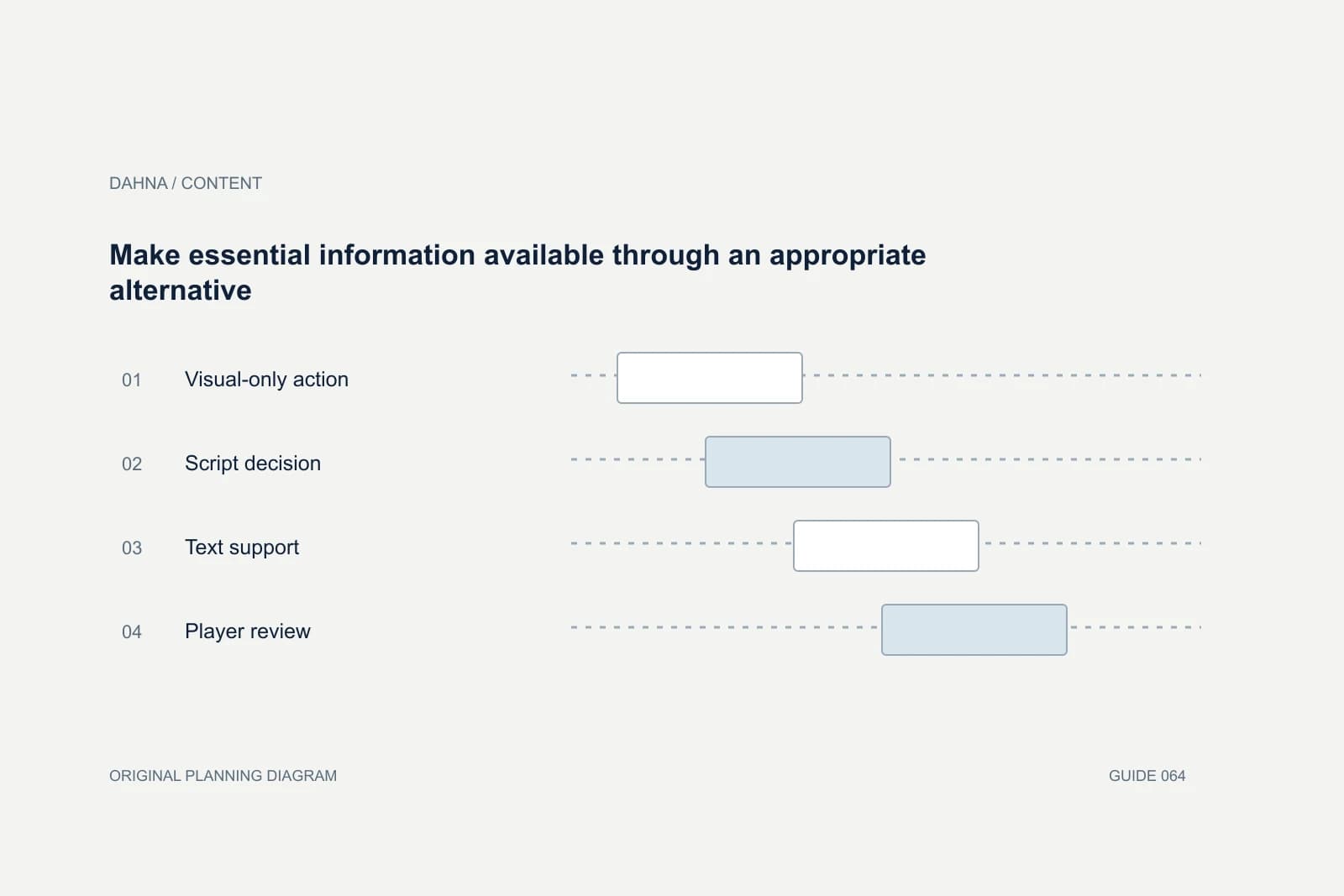
If a crucial step is only visible, consider describing it naturally in the narration. This can make the demo clearer for more viewers and reduce the need to retrofit additional explanation later. Captions should represent the spoken words and meaningful sounds, while on-screen labels can identify parts or quantities where appropriate.
Check that captions and interface overlays do not cover the action. A vertical video may need a different composition from a website tutorial. Plan those versions before filming so the editor is not forced to choose between a readable caption and a visible hand movement.
Use a short rehearsal as a fact check
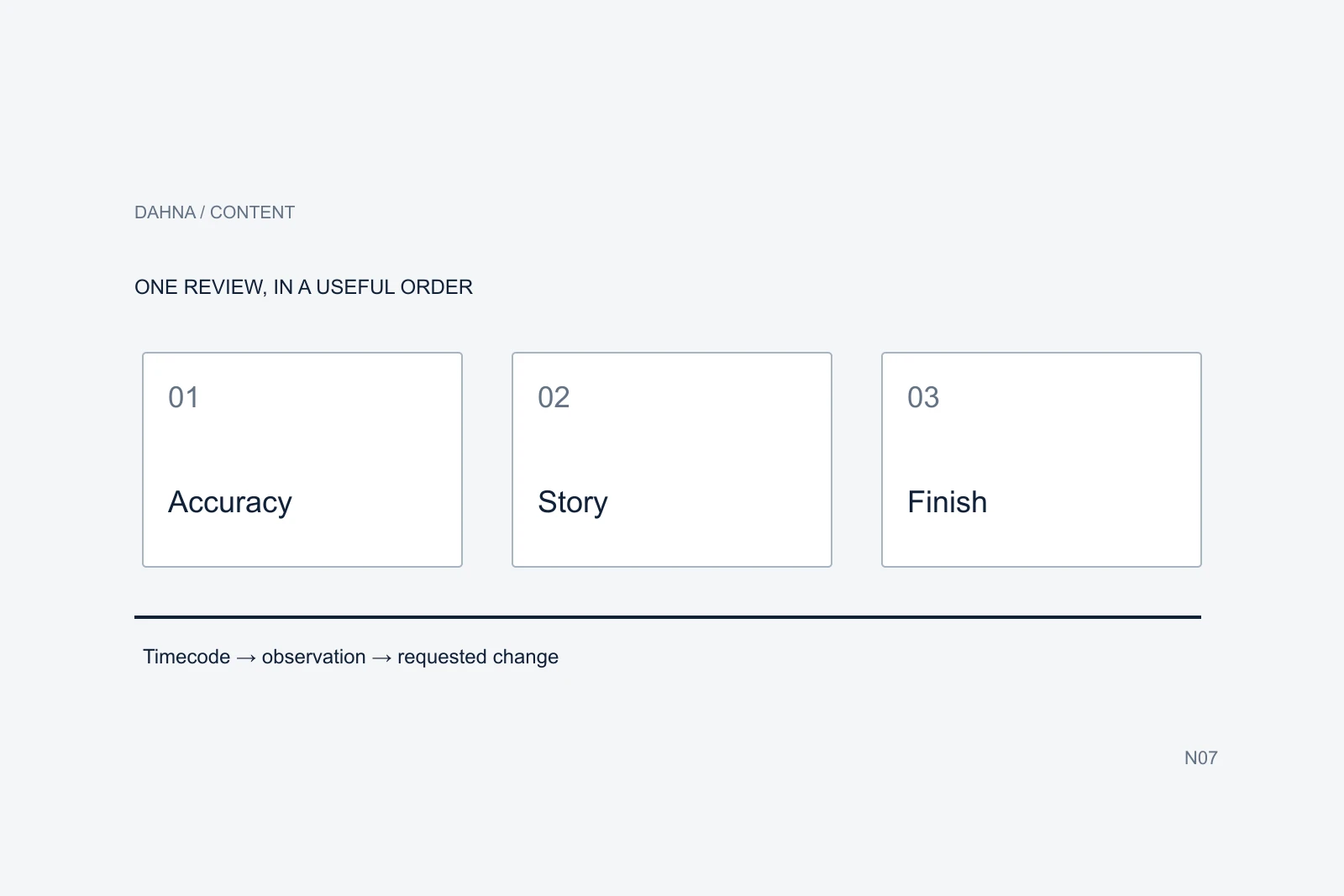
Run through the script with the actual product before the shoot. Time the actions, check whether the expected detail is visible and note where the presenter naturally needs another sentence. A rehearsal can reveal a missing preparation step or a claim that sounds awkward when spoken.
Invite the product reviewer to approve the sequence and the production lead to confirm feasibility. Keep creative feedback separate from factual corrections so the team does not accidentally remove a necessary step to satisfy a runtime preference. The approved script should carry a version number and a named decision owner.
Ask for a reusable script package
The final preproduction package should include the script, shot list, product version, approved claims, accessibility requirements and intended cuts. If a short ad and a longer tutorial share footage, identify which statements and shots each version needs. Reuse should preserve meaning rather than simply shorten every pause.
Dahna can help translate the customer question into a filmable sequence and connect it to the product page or campaign. Bring the current directions, evidence and examples of customer confusion. That gives the production team a concrete job and gives reviewers a fair basis for accepting the finished video.
Continue with the related decision
Use these guides when the next question goes beyond the scope of this article.
Use the editable decision sheet
Download the completed tables as a CSV, then replace the example inputs and add your evidence, owner and review date. Illustrative figures are teaching examples, not default targets.
Sources & further reading
Bring this decision to Dahna
Use this guide to prepare a focused brief. Tell Dahna what needs to change, which evidence you already have and when you need a decision.
Why consider Dahna for this work?
Dahna brings bilingual Korean and English strategy together with creator, content, and measurement work for brands growing in the US. You can review the people behind the recommendations and the kind of work we propose before starting a conversation.
Founder experience includes prior and contracted roles. Sample deliverables illustrate our approach; they are not client results or a performance promise.