How to build an ecommerce product photography shot list
Build the shot list around the questions a customer must answer before buying: what the product is, what arrives, how large it is, how it works and how variants differ. Add campaign imagery after those information needs are covered, and specify crops, product versions and delivery rights before the shoot.
Dahna, original planning diagram
In this article
Overview
Build the shot list around the questions a customer must answer before buying: what the product is, what arrives, how large it is, how it works and how variants differ. Add campaign imagery after those information needs are covered, and specify crops, product versions and delivery rights before the shoot.
Start with unanswered purchase questions
Read product questions, returns reasons and customer-service conversations before assembling visual references. A shopper may need to see the dispenser, the amount of product, the shade on skin or the contents of a kit. A beautifully styled hero image may answer none of those questions.
Prioritize the information that is difficult to communicate with words alone. Dimensions can be written, but a scale reference can make them easier to understand. A texture description can be useful, but a close view may clarify whether the product is a gel, cream or oil. Keep factual accuracy ahead of the desire to make every image dramatic.
Fenty shows why variant evidence deserves space
Fenty Beauty’s Pro Filt’r product presentation includes shade and undertone information alongside swatches on different skin tones. The useful production lesson is that a variant needs evidence a customer can inspect, not only a different colored thumbnail. The page does not guarantee an individual shade match.
An anonymous Reddit merchant also questioned whether a costly photoshoot improved the information customers needed. That is useful question language, not verified performance evidence. Do not use the post’s claimed conversion figures as a benchmark. Instead, ask whether each planned photograph has a clear job on the product page.
Give each shot an information purpose
A good shot list names the product, version, view, question answered and intended placement. It also states whether the photograph must work with text overlaid or on a plain product page. These details help the photographer choose composition and leave appropriate space.
Avoid ordering twenty nearly identical angles while omitting the one view that explains a refill or attachment. The list should make tradeoffs visible when time is limited. Mark essential catalog shots separately from experimental campaign images, so a production delay does not leave the store without basic product information.
| Shot | Customer question | Acceptance detail |
|---|---|---|
| Front package and product | What am I buying? | Current labels and exact included products |
| All contents arranged clearly | What arrives in the box? | No decorative item mistaken for an included accessory |
| Hand-held scale view | How large is it? | Honest proportions and clear size context |
| Dispenser close-up | How does it open or dispense? | Mechanism visible without misleading styling |
| Texture view | What does it look like outside the package? | Representative product and documented preparation |
| Variant comparison | How do the options differ? | Consistent scale, lighting and labels |
| Campaign composition | How does the brand feel? | Useful crop space and separate factual review |
Worked example: a travel kit with hidden contents
Imagine a fictional skincare travel kit whose current hero image shows a closed pouch and three bottles. Customers ask whether the pouch is included and how much product each bottle contains. The next shoot adds an open-kit inventory view and a scale photograph with the approved size information.
The team does not need to reshoot every image immediately. It prioritizes the missing evidence, then captures a matching hero image if the existing one creates a different expectation. This example shows how a targeted shot list can solve a specific information gap. Any sales effect should be measured separately rather than assumed from the new images.
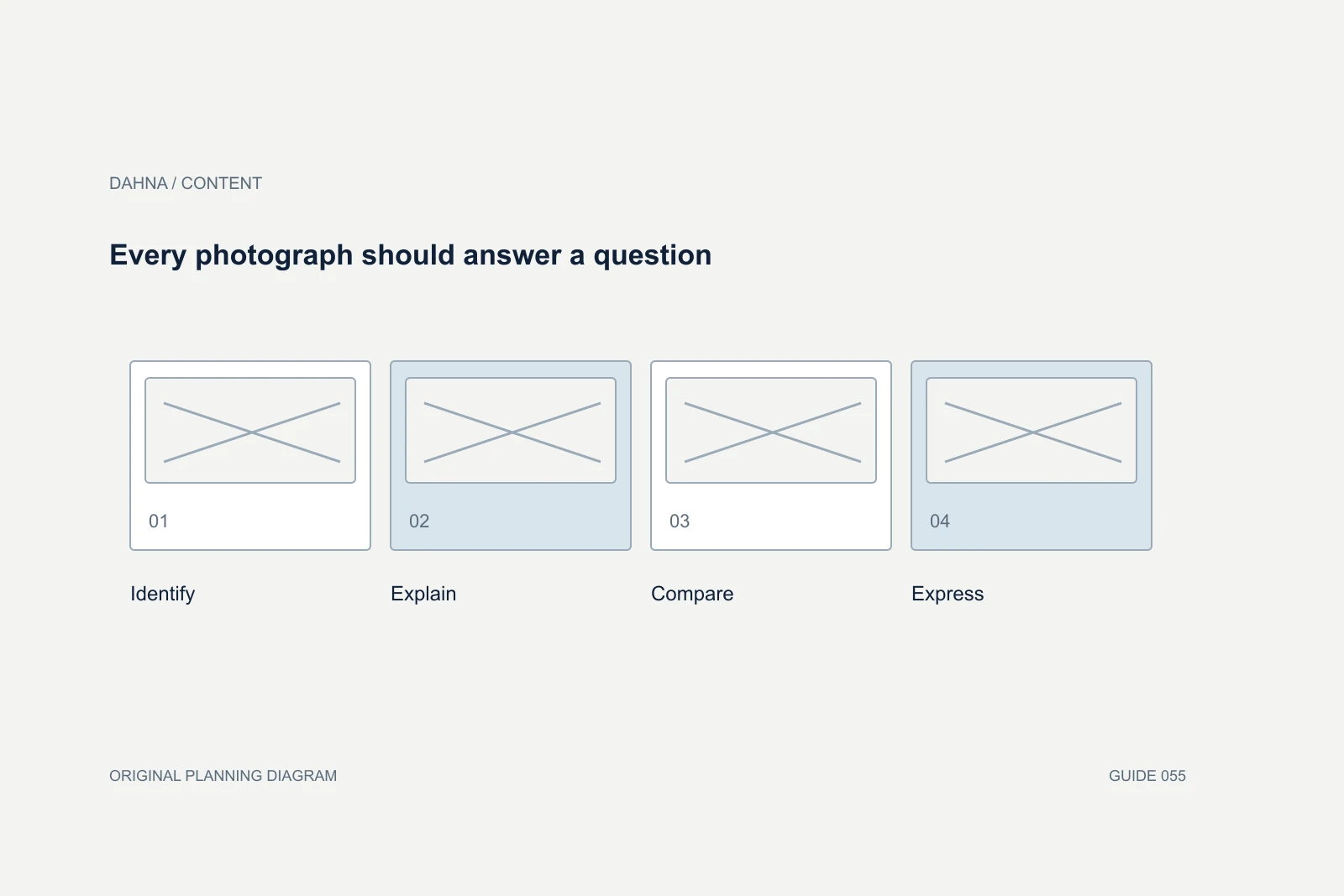
Every photograph should answer a question
Identify
Current product and package
Explain
Contents, scale and mechanism
Compare
Variants shown consistently
Express
Campaign imagery adds brand character
Control the products arriving on set
Assign a product owner to approve the samples, labels and packaging versions. Send spares for damage, fingerprints, texture use and retakes. Record which items are props and which are sold with the product. A last-minute substitute can make an attractive image factually wrong.
For products that change appearance with temperature, mixing or time, agree the handling process with the product team. Photograph a representative state rather than manipulating the product into a performance claim. Keep a simple set log so the team can explain how the shot was made if questions arise later.
Plan crops before production
List the actual placements: product gallery, collection card, retailer listing, vertical social post and paid ad. A single composition may not crop cleanly to all of them. Ask for a small set of purposeful variations or enough framing room where appropriate, rather than assuming an editor can rescue every format afterward.
Specify the delivery dimensions, file types, background treatment, naming convention and number of retouched images. Separate high-resolution masters from optimized web exports. The website team should know which file is intended for which placement, and the production team should not be forced to guess current platform requirements from an old brief.
Define what retouching can change
Agree how dust, scratches, label alignment and background cleanup will be handled. Distinguish cleaning up a production artifact from altering the product’s appearance or a person’s skin in a way that changes the message. Keep product color and relevant texture accurate.
Review a small retouch sample before processing the full set. This catches mismatched color, overly artificial reflections or removed details early. For images used to communicate results, obtain appropriate specialist review and preserve the original captures. The brief should make the factual boundary clear rather than leave it to an editor under deadline.
Confirm the permitted uses and source files
The U.S. Copyright Office explains that possessing a photograph is different from owning its copyright. Have the responsible parties document the permitted commercial uses and any restrictions in the agreement. This article does not determine the rights in a particular commission.
Ask whether the deliverables include only finished images or also selected source files, and whether talent, location or third-party elements introduce additional conditions. Record the relevant terms in the asset library. A photograph ready for a product page may still need a separate check before it appears in a retailer campaign or a new paid placement.
Approve against the list, then publish deliberately
Review the final set beside the shot list and the real product pages. Check missing views, incorrect versions, crop behavior and image order. A folder with the contracted number of files is not complete if several files answer the same question while an essential view is absent.
Dahna can connect the production plan to website and campaign needs, helping the brand choose a useful mix of factual and expressive imagery. Bring the product questions, planned placements and current assets. The result should be a library that makes the product easier to understand and gives the creative team room to communicate its character.
Continue with the related decision
Use these guides when the next question goes beyond the scope of this article.
Use the editable decision sheet
Download the completed tables as a CSV, then replace the example inputs and add your evidence, owner and review date. Illustrative figures are teaching examples, not default targets.
Sources & further reading
Bring this decision to Dahna
Use this guide to prepare a focused brief. Tell Dahna what needs to change, which evidence you already have and when you need a decision.
Why consider Dahna for this work?
Dahna brings bilingual Korean and English strategy together with creator, content, and measurement work for brands growing in the US. You can review the people behind the recommendations and the kind of work we propose before starting a conversation.
Founder experience includes prior and contracted roles. Sample deliverables illustrate our approach; they are not client results or a performance promise.