How to organize an ecommerce creative asset library
Organize the creative library around the decisions people make when publishing: which product, which version, which placement and which approved use. A clear asset record, a small controlled vocabulary and an accountable owner matter more than buying a complicated storage platform.
Dahna, original planning diagram
In this article
Overview
Organize the creative library around the decisions people make when publishing: which product, which version, which placement and which approved use. A clear asset record, a small controlled vocabulary and an accountable owner matter more than buying a complicated storage platform.
Design the library around real retrieval tasks
Ask a media buyer, ecommerce editor and designer to describe the last file they struggled to find. Their questions may differ: a vertical product demo with current packaging, a clean studio image for a retailer or the approved logo for a small label. Use those tasks to choose metadata and folder structure.
A library organized only by shoot date is easy for the production team to upload but difficult for everyone else to search. Keep production history, while adding the product, content type, version and status that publishers need. The same asset can have several attributes without being copied into several conflicting folders.
Adobe’s metadata model shows the principle
Adobe’s documentation describes metadata as structured information attached to an asset, including descriptive details and usage information. Its governance material adds approval status, permissions, expiry and version control. The principle is useful even if the brand uses a simple shared drive and spreadsheet.
Do not purchase enterprise software to compensate for unclear ownership. First decide who can approve an asset, who updates product-version information and who records permission limits. A tool can make those decisions easier to enforce, but it cannot reliably invent them from a filename.
Choose a small set of fields people will maintain
Start with an asset ID, product identifier, content type, version, language, aspect ratio, approval status, owner and source record. Add permission and expiry fields where needed, with a link to the restricted agreement rather than sensitive details in a public folder.
Use controlled values for recurring fields. If one person writes ‘PDP,’ another writes ‘website’ and another writes ‘product page,’ search becomes inconsistent. Keep a short dictionary and allow a clear process for adding a new term. Too many mandatory fields can discourage adoption, so choose the ones that support an actual publishing decision.
| Field | Illustrative value | Decision it supports |
|---|---|---|
| Asset ID | SERUM-DEMO-014 | Stable reference across edits and systems |
| Product version | US package v2 | Avoids showing an obsolete item |
| Format | Vertical video, captioned | Matches the planned placement |
| Status | Approved for listed uses | Separates working files from publishable files |
| Rights record | Restricted agreement link | Lets the responsible person verify permission |
| Expiry review | Date and owner | Triggers renewal or replacement planning |
| Master relation | Derived from master 014 | Connects exports to their source |
Worked example: three files called final
Imagine a fictional beauty brand with three versions of a product video named final, final-new and final-approved. One shows an old package, another includes an expired offer and the third is approved for an organic post but has not been cleared for paid use. A new media buyer chooses the wrong one because all three sit in the same folder.
The revised library assigns stable IDs, marks approval and product versions, and keeps only the appropriate exports in the publishing view. The source files remain archived for editing. The example shows how a small amount of structure prevents a predictable mistake without requiring a large software implementation.
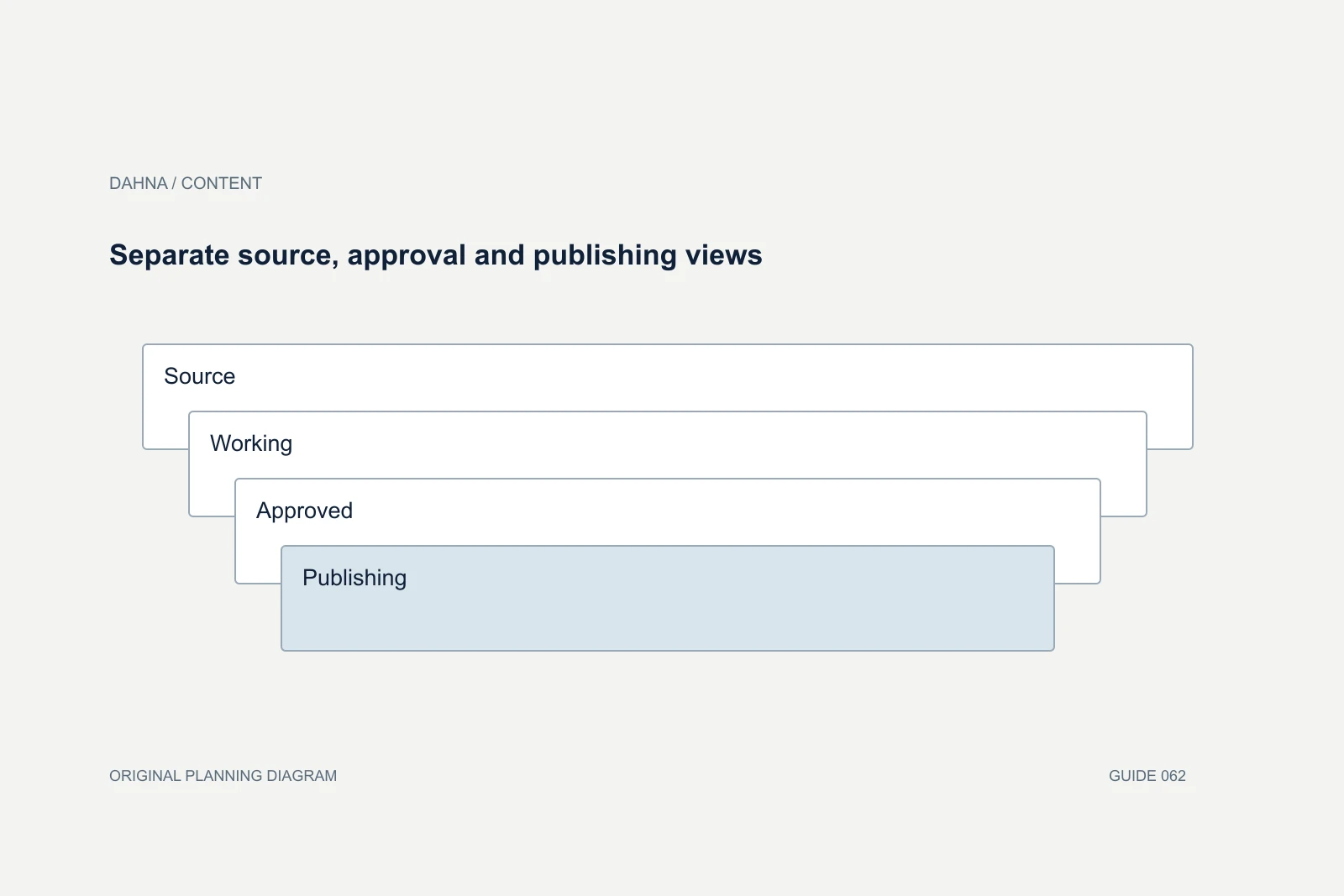
Separate source, approval and publishing views
Source
Original captures and editable project files
Working
Drafts with comments and version history
Approved
Verified asset record and permitted uses
Publishing
Placement-specific exports linked to the master
Make the relationship between files explicit
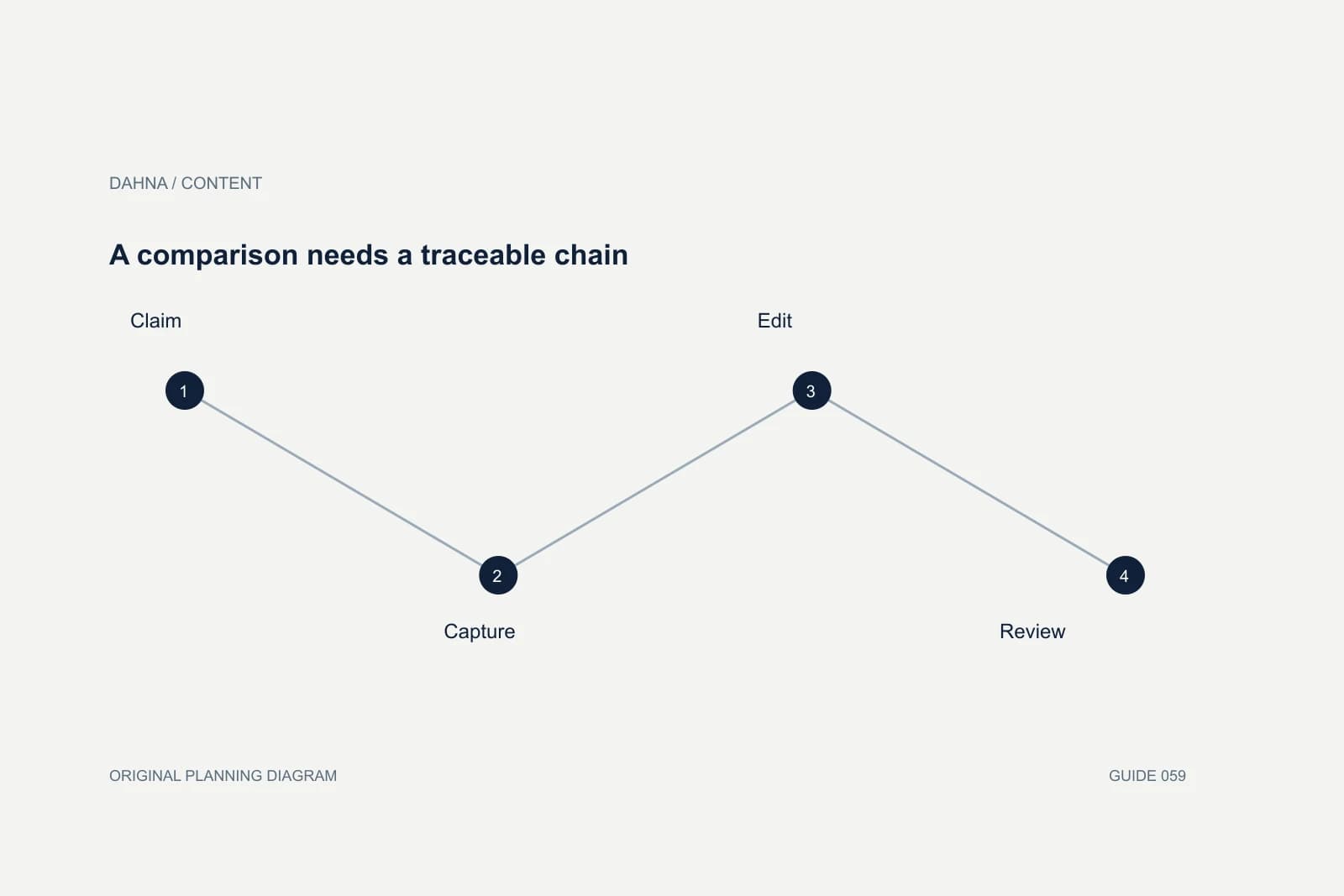
A master, a captioned export, a square crop and a thumbnail are related assets, not necessarily independent creative concepts. Link them to one source record so corrections can be traced. If a product claim changes, the team should know which derivatives need review.
Keep meaningful versions when content changes, and avoid creating a new conceptual version merely because a file was recompressed. Record what changed in plain language: corrected product name, replaced packaging, removed expired offer. A useful change note helps someone choose the right file faster than a long sequence of unexplained numbers.
Clean the library in manageable batches
Start with the products and campaigns the team will use next. Identify active assets, archive obvious duplicates and flag uncertain files for review. Do not mass-delete old work before understanding whether it is needed for evidence, historical reference or future editing.
Use a migration sheet that records the old location, new ID, status and reviewer. Where metadata is unknown, preserve that uncertainty rather than guessing. A partially organized library with trustworthy fields is more useful than a fully tagged library filled with invented permissions and dates. Assign a person to resolve the highest-priority unknowns.
Match permissions to the work
Editors may need approved exports while designers need source files. External creators may only need a small product packet. Give each group access appropriate to its task and keep confidential agreements or participant records in restricted locations.
When a contractor leaves, review access and ensure the business retains necessary source material. Avoid making one person’s private cloud account the only home for a critical campaign. The library should survive personnel changes through company-controlled storage, documented ownership and a straightforward handoff process.
Test whether the library is actually useful
Give a colleague three retrieval tasks and observe whether they can find the correct approved file without asking the original producer. Record time, mistakes and missing fields as operational evidence. The aim is not a universal speed benchmark; it is to identify where the library still depends on someone’s memory.
Review recurring errors after campaigns. If people keep choosing old packaging, make product version more visible. If they cannot distinguish paid-use permissions, improve the publishing view and approval record. Let observed work shape the system rather than adding more tags simply because the platform supports them.
Make upload and retirement part of production
Every new shoot or creator delivery should include the metadata needed for the library. Assign an owner to review expired, superseded or inaccurate assets. Keep a simple archive policy so the active view stays useful while necessary history remains available.
Dahna can help connect the production brief, approval process and asset handoff. Bring the current folder structure and several real retrieval problems. The goal is a library the website, content and media teams can use confidently, with enough context to know both what a file is and why it is ready for the intended job.
Continue with the related decision
Use these guides when the next question goes beyond the scope of this article.
Use the editable decision sheet
Download the completed tables as a CSV, then replace the example inputs and add your evidence, owner and review date. Illustrative figures are teaching examples, not default targets.
Sources & further reading
Bring this decision to Dahna
Use this guide to prepare a focused brief. Tell Dahna what needs to change, which evidence you already have and when you need a decision.
Why consider Dahna for this work?
Dahna brings bilingual Korean and English strategy together with creator, content, and measurement work for brands growing in the US. You can review the people behind the recommendations and the kind of work we propose before starting a conversation.
Founder experience includes prior and contracted roles. Sample deliverables illustrate our approach; they are not client results or a performance promise.