How to produce useful texture and swatch videos
Texture and swatch videos should make an observable product quality easier to understand through consistent lighting, accurate color and a clear application sequence. Plan the capture conditions and labels before filming, and distinguish what the camera shows from claims about how the product will perform for every customer.
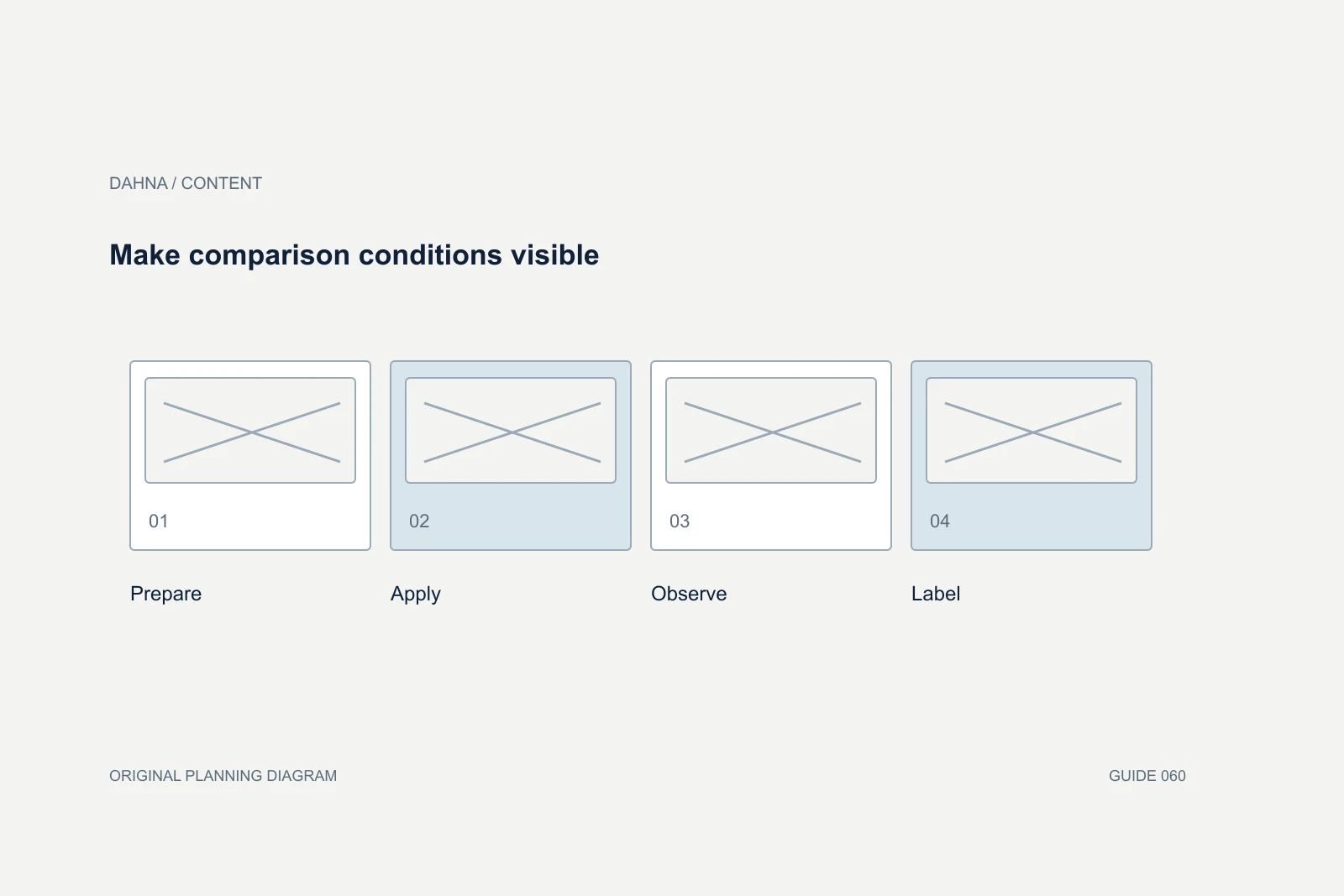
Dahna, original planning diagram
In this article
Overview
Texture and swatch videos should make an observable product quality easier to understand through consistent lighting, accurate color and a clear application sequence. Plan the capture conditions and labels before filming, and distinguish what the camera shows from claims about how the product will perform for every customer.
Choose the appearance question the clip can answer
A customer may want to know whether a formula flows, spreads, holds its shape, leaves a visible sheen or appears different after application. A swatch may help compare shades or undertones. State which question the clip answers so the production team can choose a useful surface, motion and duration.
Do not ask a texture clip to prove absorption, compatibility or long-term benefit unless the evidence and production design support that claim. The camera can show a surface changing; interpreting why it changed may require more information. Keep the caption close to what is observable and the approved product description.
Fenty’s swatches illustrate the value of context
Fenty Beauty’s foundation page shows arm swatches across a range of skin tones alongside shade information. The relevant lesson is that a color is easier to interpret when the viewer understands the surface and comparison context. The presentation is not a promise that every screen or skin tone will produce an exact match.
For your production, identify the shade, product version and conditions. If several products are compared, use the same capture setup and clear labels. A beautiful isolated smear can express a mood, but a customer trying to choose between neighboring shades needs a more controlled comparison.
Create a repeatable capture recipe
Record the lighting, camera settings, lens or phone, background, application tool and amount used. Lock exposure and white balance where the equipment and workflow allow. Ask the photographer to explain how color will be checked through editing and export.
Use the actual product and a representative sample. Temperature, settling or preparation can affect appearance, so the product team should approve handling instructions. Do not add another substance to make a texture look more dramatic unless the content explicitly depicts and accurately explains that use.
| Element | Decision to record | Acceptance check |
|---|---|---|
| Product | SKU, shade, batch or version where relevant | Matches the item being sold |
| Surface | Skin, palette or another approved surface | Context is visible and accurately labeled |
| Application | Tool, amount and number of passes | Comparable across the intended set |
| Lighting | Setup and color reference | No unexplained color shift between clips |
| Timing | Immediate view and later view if relevant | Time change disclosed accurately |
| Export | Crop, compression and labels | Detail remains useful on the target screen |
Worked example: three lip colors filmed on different days
Imagine a fictional brand filming three lip colors in separate sessions. One clip uses warm window light, another uses a cool studio lamp and the third has an automatic exposure shift. Customers cannot reliably compare the shades even though each clip looks attractive on its own.
The team reshoots a comparison set under a shared setup, records the application method and keeps the labels visible. It can still use the expressive clips in appropriate campaign contexts, but the product-selection module uses the controlled set. This example separates two creative jobs: brand atmosphere and useful comparison.
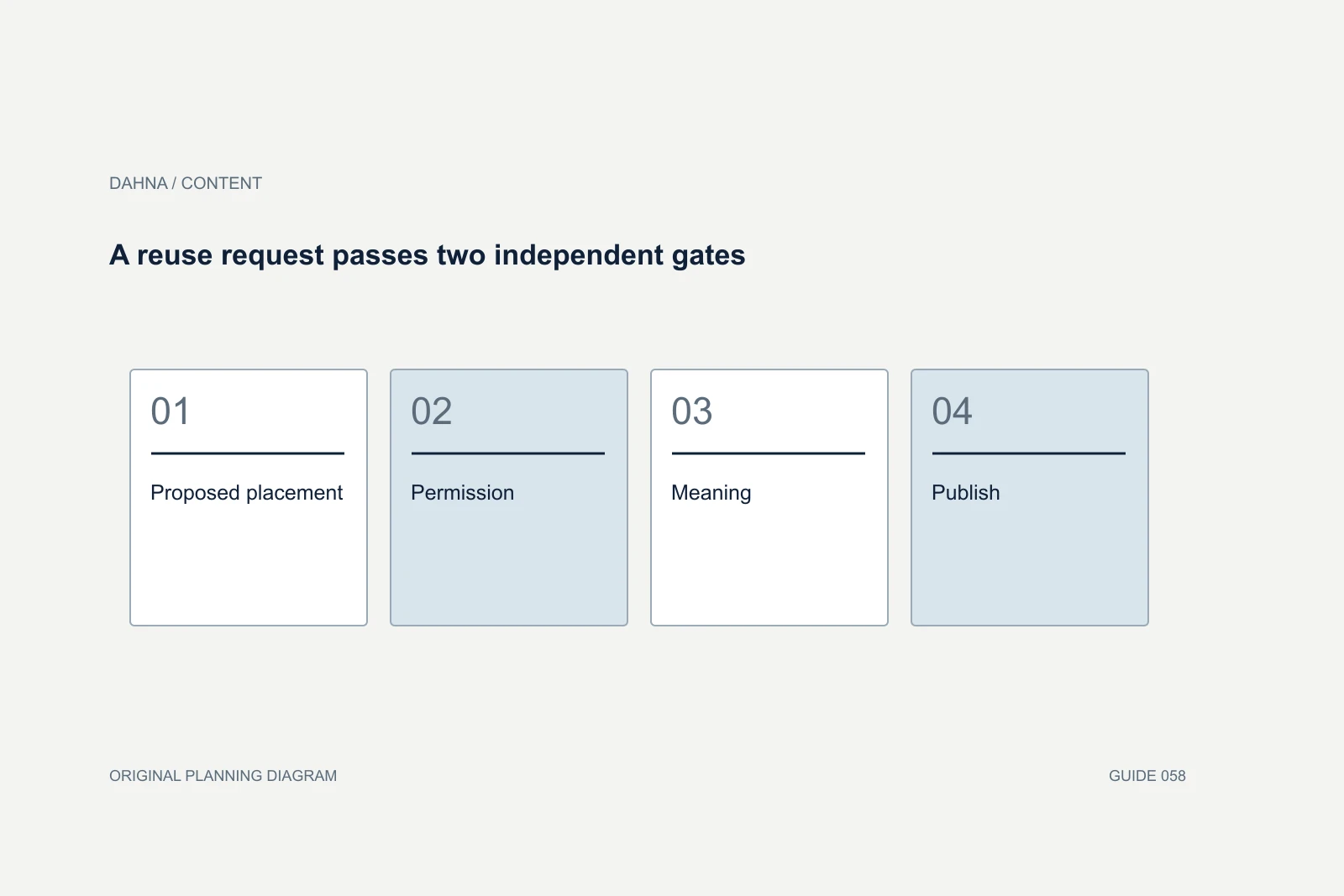
Make comparison conditions visible
Prepare
Approved product and consistent setup
Apply
Representative amount and clear action
Observe
Hold the texture or shade in view
Label
Identify product, conditions and any time change
Plan representation with the actual question in mind
When filming on skin, consider which tones and characteristics are relevant to the product-selection question. A single swatch cannot represent every person. Avoid suggesting that the chosen model is a universal reference or that a color will look identical on every viewer.
Obtain appropriate participant permissions and agree how the skin will be presented and edited. Preserve relevant texture and color. If the creative brief includes multiple participants, keep the comparison labels respectful and useful rather than reducing people to an imprecise visual category. The production team should know which differences are important to show and which personal details are unnecessary.
Use motion to reveal something a still cannot
A texture video earns its place when movement adds information: the way a gel falls from a spatula, a cream spreads or a shimmer changes with angle. Plan the action so it is visible and repeatable. A rapid montage may look energetic while preventing the customer from inspecting the quality they came to see.
Include a moment before and after the action. This gives the viewer a reference and lets the editor make a clear short version. If slow motion or speed changes alter interpretation, explain them where needed. A stylized visual can be appropriate for a campaign, but it should not masquerade as a real-time demonstration.
Review accuracy before aesthetic polish
Check product identity, color, labels, continuity and the implied claim before debating music or decorative graphics. Compare exports with the approved source and the physical product under the agreed review conditions. No digital workflow can guarantee identical appearance on every customer’s screen, so avoid that promise.
Reject an edit that changes the relevant texture or removes a material visual difference. Background cleanup may be acceptable within the brief, but smoothing a swatch to make coverage appear more uniform can change the message. Keep originals and the production notes so the reviewer can understand how the final clip was made.
Create different cuts for different viewing tasks
A product page may benefit from a quiet loop with clear controls and a descriptive caption. A social post may need a spoken introduction and a more explicit product reveal. A retailer may require a particular crop or file specification. Plan these versions rather than exporting the same file everywhere by default.
Provide captions or descriptions for relevant information and ensure that essential labels are not hidden by platform interfaces. Pair the clip with useful text on the product page so customers can access the core information without relying entirely on video. The visual should add evidence and clarity, not become the only place the product is explained.
Deliver the recipe as well as the clips
The handoff should include approved masters, web exports, product labels and the capture recipe. This lets the next product launch match the existing comparison set without guessing how it was filmed. Record any limitations, such as a shade that needs a different exposure treatment, and explain how consistency was maintained.
Dahna can connect texture production to product photography, website modules and creator briefs. Bring the specific questions customers ask about appearance and the placements where the clips will be used. A focused brief produces footage that is visually appealing and genuinely informative without claiming more than the image can show.
Continue with the related decision
Use these guides when the next question goes beyond the scope of this article.
Use the editable decision sheet
Download the completed tables as a CSV, then replace the example inputs and add your evidence, owner and review date. Illustrative figures are teaching examples, not default targets.
Sources & further reading
Bring this decision to Dahna
Use this guide to prepare a focused brief. Tell Dahna what needs to change, which evidence you already have and when you need a decision.
Why consider Dahna for this work?
Dahna brings bilingual Korean and English strategy together with creator, content, and measurement work for brands growing in the US. You can review the people behind the recommendations and the kind of work we propose before starting a conversation.
Founder experience includes prior and contracted roles. Sample deliverables illustrate our approach; they are not client results or a performance promise.