How to review a product video’s first cut
Watch the first cut once as a customer before opening a comment box. Can you tell what the product is, what the video is explaining and what to do next? That first viewing gives you a more useful starting point than correcting the font in the opening frame.
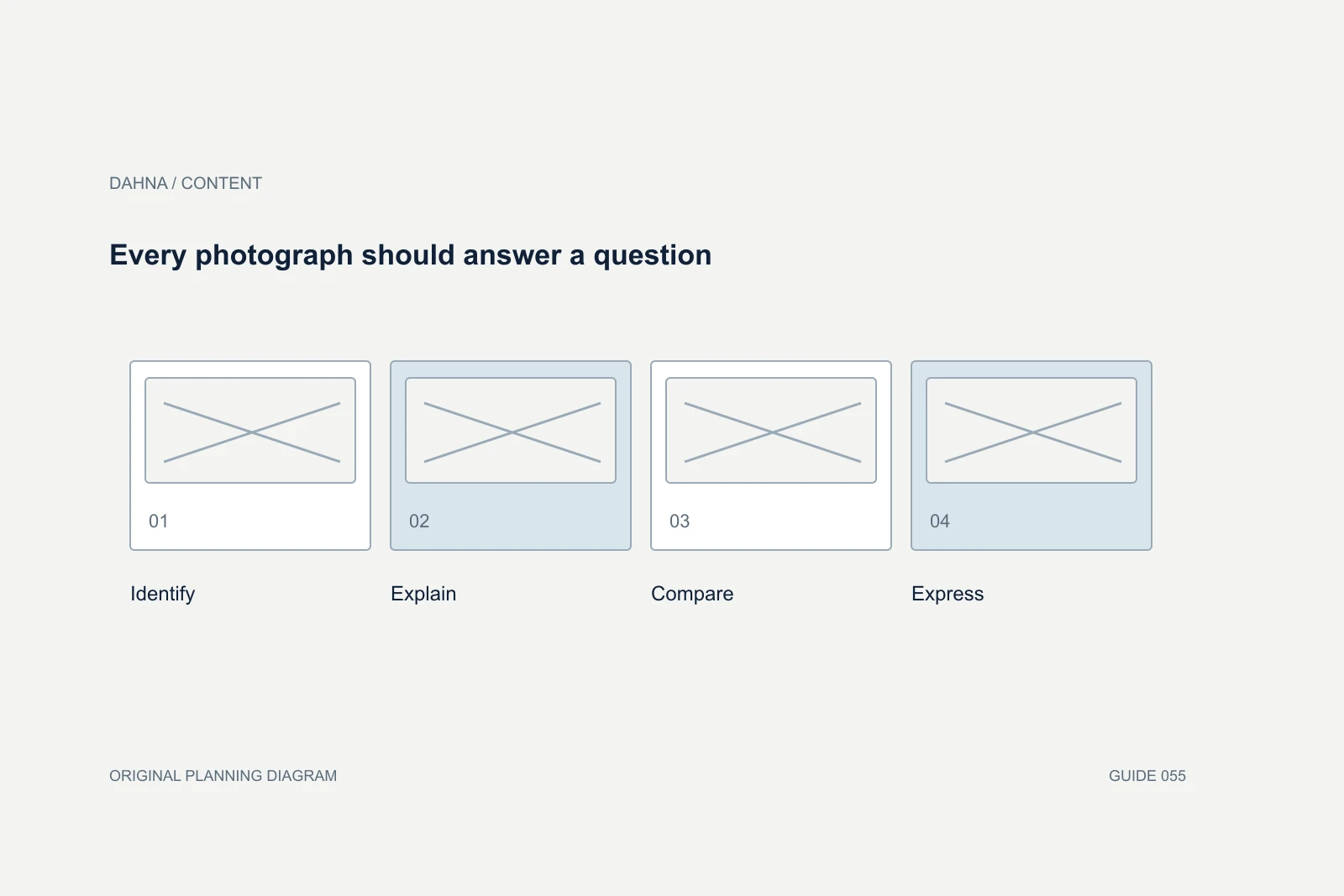
Dahna, original planning diagram
In this article
Overview
Watch the first cut once as a customer before opening a comment box. Can you tell what the product is, what the video is explaining and what to do next? That first viewing gives you a more useful starting point than correcting the font in the opening frame.
The decision in context
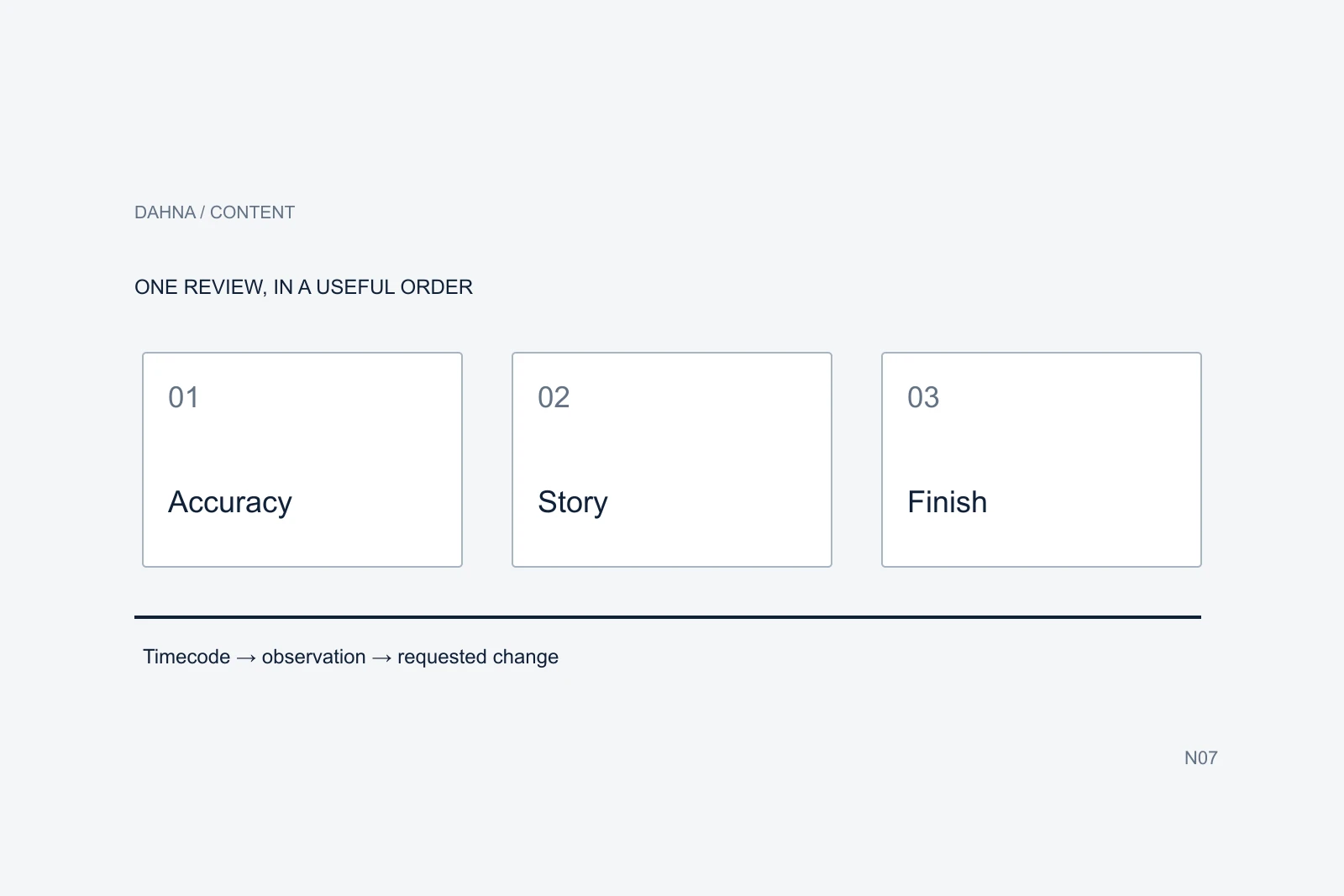
Then review in order: accuracy, story and demonstration, followed by finishing details. Send one consolidated set of notes with timecodes, reasons and priorities. The editor should be able to understand the problem each change is meant to solve.
Put the brief beside the cut
Start with the agreed audience, question, placement and deliverable. A video created to explain the contents of a device kit should be judged on that explanation. It should not be rejected for failing to tell the entire founder story unless that was part of the assignment.
Check the version and export you are reviewing. The editor may have supplied a rough assembly with temporary sound or an unfinished color treatment. Confirm which elements are ready for decision and which are placeholders within the production process. That avoids spending a review round on work the editor already knows remains unfinished.
If the brief has changed, say so directly. A new offer, product version or campaign objective may require additional work. Mixing that change into a list of small corrections obscures its effect on the schedule and makes it harder to prioritize the original task.
| Question | What to record |
|---|---|
| What was commissioned? | Audience question, placement and required deliverable |
| What stage is this? | Assembly, first cut or final finishing review |
| What changed since the brief? | New facts, assets, offer or scope |
| Who consolidates the response? | One owner for the final review sent to the editor |
Check the product before the polish
Verify the product name, version, price or offer if present, included items and any demonstrated instructions. A beautifully edited video that shows the wrong kit creates a buying problem. Compare the cut with current approved information rather than relying on memory.
Distinguish a factual correction from a stylistic preference. An optional accessory shown as part of the kit needs correction. A preference for a warmer background may be worth discussing, but it is a different kind of issue. Labeling the difference helps the editor and brand owner make sensible tradeoffs.
Review captions and on-screen statements as carefully as the spoken script. A qualification can disappear in a shortened caption, and an automatic transcript can mishear a product name. For creator endorsements, check that the relevant commercial relationship is clearly disclosed in context; the FTC’s guidance is a useful reference for that review.
Find where the explanation becomes hard to follow
Watch again with the sound off, then listen without looking at the screen. These are practical checks, not formal accessibility certification. They can reveal that the key explanation exists only in a quick voiceover or that the images imply something different from the words.
Identify the point where a new viewer would lose context. Does the video show a result before explaining what is being compared? Does a close-up hide which product is in use? Does the call to action arrive before the viewer understands the offer? Write the observation before prescribing a new edit.
A useful note might say that the kit contents are unclear because three optional products appear beside the purchased item. The editor can then propose a wider establishing shot, a label or a reordered sequence. “Make it more premium” gives much less information about the actual problem.
Review the cut in layers
01 / Accuracy
Correct product, facts, offer and disclosure.
02 / Understanding
Recognizable question, useful sequence and demonstration.
03 / Finish
Legible text, sound, color and export details.
A completed first-cut review
Consider a fictional 30-second video explaining what is included in a skincare-device kit. The opening shows a close-up of the device, the middle jumps into a demonstration and the final frame uses an old product name. The footage is usable, but the first-time buyer does not get a clear view of the contents.
The review below gives the editor the problem, its priority and a possible resolution. Suggestions remain open where several edits could solve the issue. A factual requirement is stated directly where the correct product name or contents must appear.
Frame.io’s commenting documentation describes placing feedback at specific times in media. A shared document can also work if it identifies the same version and timecodes. The important part is that the editor can locate the moment and understand the decision; using a particular review tool does not make vague feedback useful.
| Time | Priority | Observation | Requested resolution |
|---|---|---|---|
| 00:00–00:04 | Structure | A close-up makes the kit difficult to identify | Establish the complete kit before the detail shot |
| 00:08 | Required fact | Optional accessory appears among included items | Separate and label the accessory accurately |
| 00:12–00:19 | Structure | The action begins before the instruction is clear | Show the relevant approved step before the action |
| 00:22 | Finish | Caption crosses the demonstration detail | Move text to a clear area and check mobile legibility |
| 00:27 | Required fact | End card uses the previous product name | Replace with the current approved name |
| Full cut | Acceptance | Final sound and captions remain to be checked | Review the finished export after structural changes |
Resolve conflicting feedback before sending it
Give stakeholders a clear role. The product owner checks facts, the marketing owner checks the brief and the production lead checks whether the requested changes fit the material and scope. One person consolidates the final notes and resolves contradictions.
Do not ask an editor to satisfy incompatible instructions such as shortening the video while adding a new demonstration without identifying the priority. Decide what the video must achieve and what can be removed. If the assignment genuinely needs more content, discuss another version or a revised scope.
Keep a short decision log for consequential changes. Record why the opening changed or why a line was removed. This is especially helpful when a different stakeholder joins the next review and asks to restore something that was already rejected for an accuracy or comprehension reason.
| Change type | Example | How to handle it |
|---|---|---|
| Correction | Wrong product name | Fix against the approved record |
| Clarification | Kit contents are hard to identify | Agree the clearest edit using available material |
| Preference | Different background treatment | Weigh the benefit against time and scope |
| New scope | Add a second product and new footage | Confirm the revised assignment and cost |
Review the revised export as a whole
After changes, watch the complete video again. A corrected shot can introduce an awkward transition, and a new caption can cover something important elsewhere in the frame. Checking only the individual notes is not enough to confirm that the final piece works.
Inspect the intended formats and destinations. Verify that the product link or final instruction is correct, the export is the agreed version and the files needed for the approved uses are delivered. Keep the approved copy and permission record with the asset so the distribution team does not have to reconstruct them.
Dahna can help connect the original brief, production and the review process. Bring the first cut, the intended placement and the question the video should answer. A useful review leaves the editor with a clear next version and the brand with a reasoned way to accept it.
Use this guide in your next brief
Download the tables from this guide as a working reference. Keep the example assumptions separate from your own figures, and record the source and date of any numbers you replace.
Sources & further reading
Plan your next content production decision
Share the video’s intended audience and placement, the approved brief and the decisions holding up the next cut.
Why consider Dahna for this work?
Dahna brings bilingual Korean and English strategy together with creator, content, and measurement work for brands growing in the US. You can review the people behind the recommendations and the kind of work we propose before starting a conversation.
Founder experience includes prior and contracted roles. Sample deliverables illustrate our approach; they are not client results or a performance promise.
External examples are research references, not Dahna client results or promised outcomes.