How to audit your Shopify apps before adding another one
A Shopify app audit should connect each app to a necessary business function, its cost, its data and its effect on the storefront. Remove or replace an app only after checking what depends on it and testing a safe alternative; a smaller app count alone is not a useful success metric.
Dahna, original planning diagram
In this article
Overview
A Shopify app audit should connect each app to a necessary business function, its cost, its data and its effect on the storefront. Remove or replace an app only after checking what depends on it and testing a safe alternative; a smaller app count alone is not a useful success metric.
Find the function behind every subscription
Start with installed apps, billing records and visible storefront features. They may not match. An app can be installed but unused, billed through a separate account, or supporting a process that only the operations team recognizes. Ask a business owner to explain what would stop working if each app disappeared.
Record the responsible employee, subscription terms, renewal date, access needs, stored data and affected pages. Do not limit the review to customer-facing widgets. Inventory, review collection, subscriptions, feeds and reporting integrations can matter even when they add nothing visible to a product page. The audit is an operating map before it is a cost-cutting exercise.
Measure the actual storefront effect
Shopify’s performance guidance identifies themes, apps and third-party code as areas to investigate. That does not mean every app slows every page equally. Some functions operate mainly in the admin, while others load scripts or interface elements across the storefront. Ask the developer to identify actual loaded resources and the pages they affect.
Compare a controlled preview with and without the relevant feature where safe. Keep the product content, theme version and test conditions consistent. A single score change from an uncontrolled run is weak evidence. The audit should say whether a suspected effect was measured, inferred or remains untested.
Make decisions by function and dependency
Group apps that appear to solve the same problem. Two review tools might represent a migration in progress, or one might still own historical reviews. Two promotion apps might power different offers. Ask why both exist before removing either.
For each replacement, identify data export, configuration transfer and customer-facing changes. A cheaper subscription may require manual work every week or remove a feature customers rely on. Compare the total operating burden rather than the monthly invoice in isolation.
| Function | Finding | Decision before removal |
|---|---|---|
| Reviews | Two display tools, one historical database | Confirm export and ownership of existing reviews |
| Promotions | Overlapping automatic discount logic | Test the approved offer combinations |
| Product recommendations | Widget loaded on all templates | Check use, page scope and simpler alternatives |
| Reporting | Low login activity but weekly exports depend on it | Ask the report owner before cancellation |
| Subscriptions | Recurring orders depend on the service | Treat as a separate migration project |
Worked example: the duplicate promotion tools
Imagine a brand paying for two promotion apps. The marketing team believes one is obsolete, but a holiday bundle still uses its discount rules. Deleting it immediately would reduce the bill and break the offer. The audit first documents the active campaign, the eligible products and the expected cart total.
The team rebuilds the required behavior in the retained tool, tests new and returning customer scenarios, checks incompatible discount combinations and schedules the switch outside a major campaign. It verifies the old code is no longer needed before cancelling. This hypothetical example shows why the decision needs both a business owner and a technical check; it is not a recommendation for a particular app vendor.
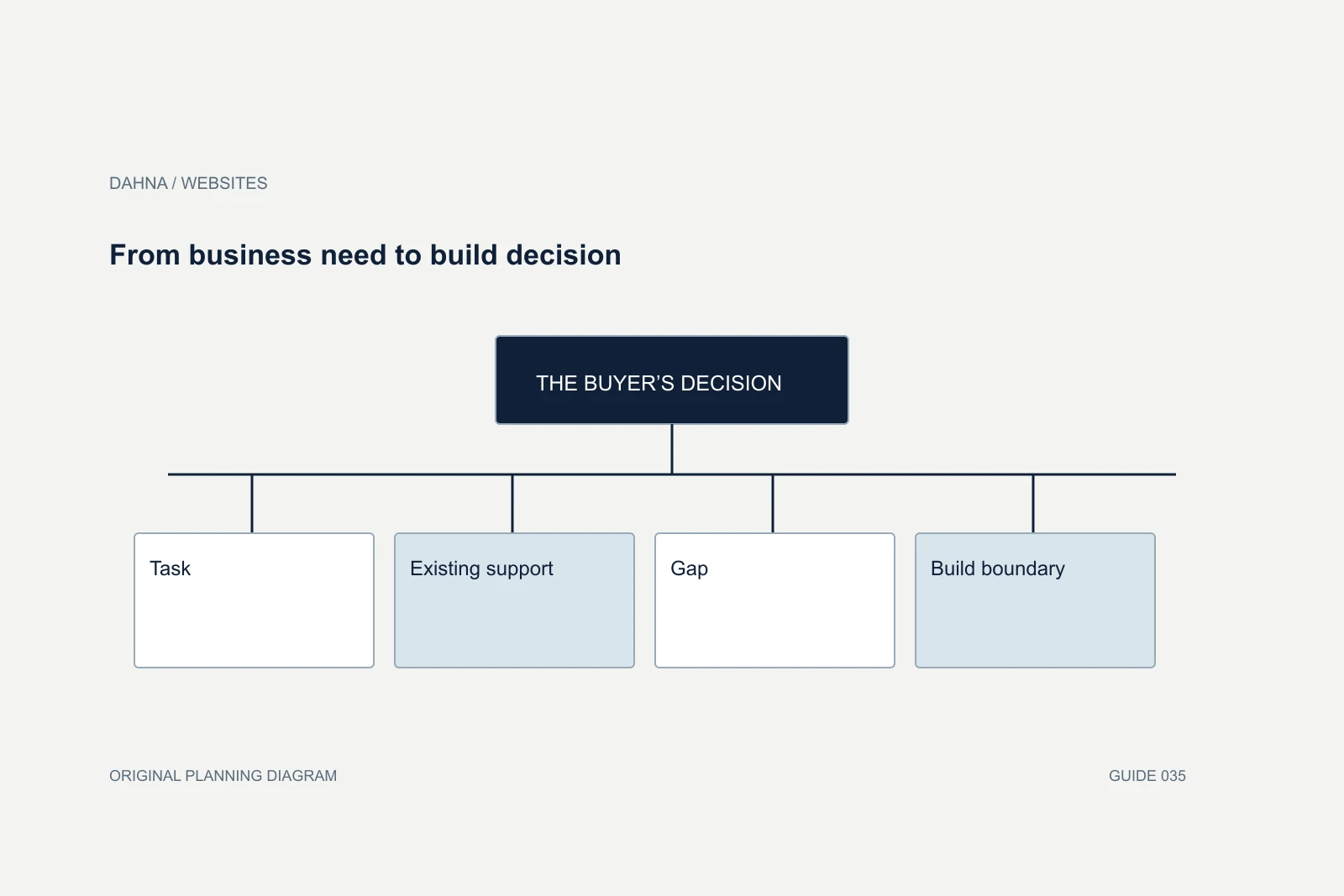
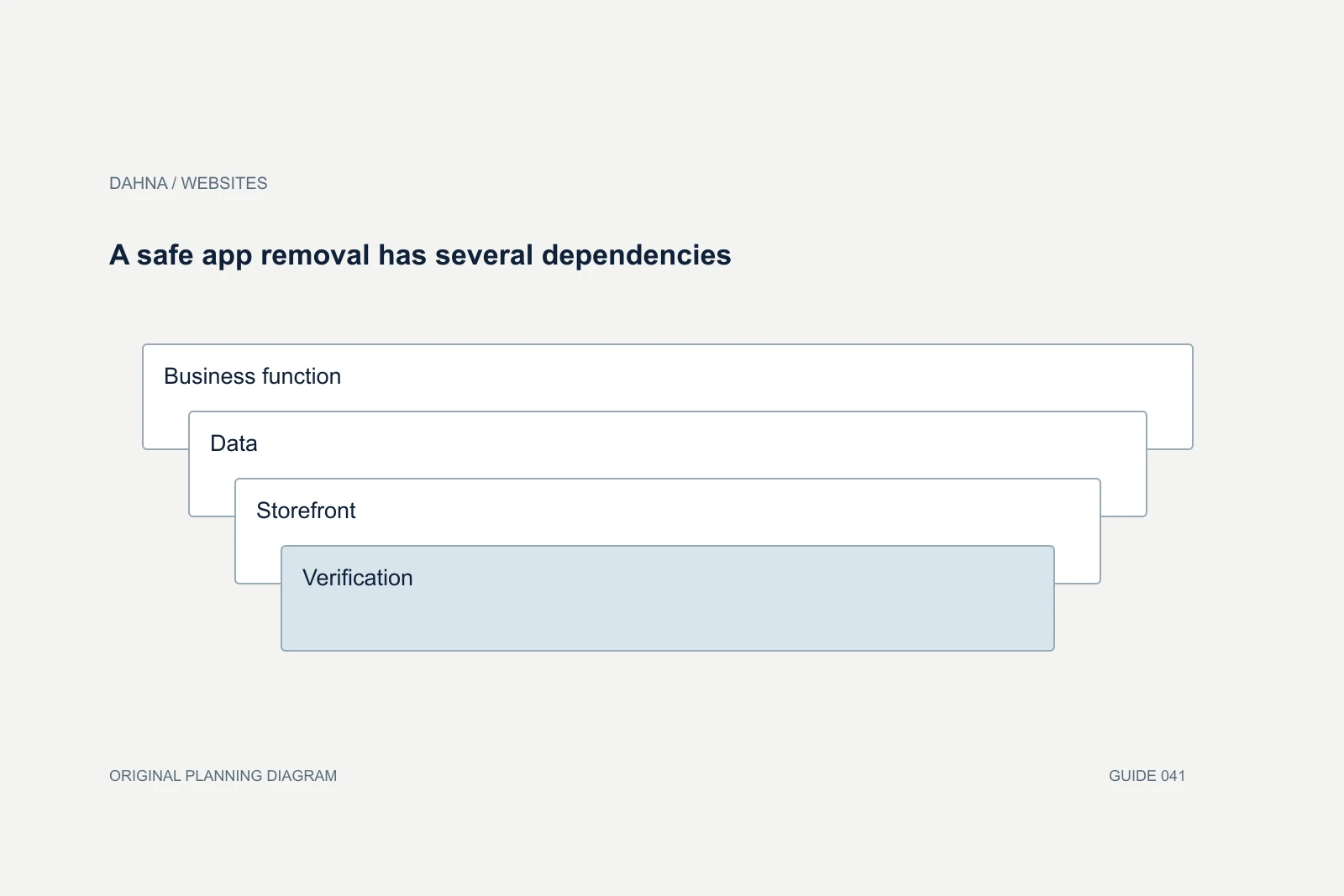
A safe app removal has several dependencies
Business function
What must keep working?
Data
What must be exported or retained?
Storefront
What code and interface depend on it?
Verification
What proves the replacement works?
Calculate savings honestly
In an illustrative case, cancelling a $120 monthly app saves $1,440 over twelve months. If the replacement requires a $900 setup and $40 monthly subscription, first-year direct savings are only $60 before staff time. The replacement might still be worthwhile for reliability, but the financial story is different from ‘save $1,440.’
Include usage-based charges, currency, taxes where applicable and any annual commitment. Ask whether fees stop on uninstall or require a separate cancellation. Verify current terms with the vendor. A spreadsheet can show the expected savings, the cost to change and the month the change pays back without pretending that every operational benefit can be priced precisely.
Plan for data and permission changes
Before uninstalling a service, establish what happens to its stored records and whether the business needs an export. Review customer-related data through the company’s approved privacy and access process. Do not download broad customer datasets merely because an audit makes it possible. Collect only what the migration or continuity task needs.
Revoke unused access after the transition and keep a record of who approved it. If the app supplied content such as reviews or subscription preferences, verify the customer-facing result after removal. A page can look normal while a downstream process quietly stops, so include a real workflow check with the employee who owns the function.
Look for dependencies outside the app list
An app audit can miss manually inserted code, tag-manager scripts and old integrations that no longer appear as active apps. Ask the developer to compare the installed list with what the storefront actually loads and what the operations team receives. A cancelled tool may leave a script behind, while a current workflow may depend on a connection created years ago.
Treat these findings as investigation items rather than deleting unfamiliar code immediately. Record its purpose, owner and evidence of use. If nobody recognizes it, test removal in an appropriate preview or controlled setting and monitor the relevant business process. The absence of an obvious visual change does not prove that reporting or order handling is unaffected.
For a high-dependency app, define a rollback condition before the change. For example, the team may restore the previous configuration if subscription renewal data stops arriving or a required discount fails. Use the actual workflow and responsible owner to define the condition; do not rely on a generic ‘site looks fine’ check. This turns a cleanup exercise into a controlled operating change and gives the business a more reliable estimate of the effort behind the proposed savings.
Make new app requests explain their tradeoff
After the audit, introduce a short approval note for new apps: the problem, current workaround, alternatives considered, expected cost, data access and evaluation date. This can fit on one page. The point is to preserve the reasoning so future colleagues do not have to rediscover it.
Review after meaningful changes such as a new market, a major theme update or a new sales channel. An app that was unnecessary last year may now solve a real need. Dahna can help connect the audit to a website project by identifying which customer experiences require a tool, which can be simplified and which depend on operations outside the website team’s remit.
Continue with the related decision
Use these guides when the next question goes beyond the scope of this article.
Use the editable decision sheet
Download the completed tables as a CSV, then replace the example inputs and add your evidence, owner and review date. Illustrative figures are teaching examples, not default targets.
Sources & further reading
Bring this decision to Dahna
Use this guide to prepare a focused brief. Tell Dahna what needs to change, which evidence you already have and when you need a decision.
Why consider Dahna for this work?
Dahna brings bilingual Korean and English strategy together with creator, content, and measurement work for brands growing in the US. You can review the people behind the recommendations and the kind of work we propose before starting a conversation.
Founder experience includes prior and contracted roles. Sample deliverables illustrate our approach; they are not client results or a performance promise.