How to scope a Shopify store performance project
A Shopify performance project should identify the pages and interactions that are slow for real customers, fix the underlying causes and verify the result under comparable conditions. Buy a documented improvement process with clear ownership, rather than a promise of a perfect score on one homepage test.
Dahna, original planning diagram
In this article
Overview
A Shopify performance project should identify the pages and interactions that are slow for real customers, fix the underlying causes and verify the result under comparable conditions. Buy a documented improvement process with clear ownership, rather than a promise of a perfect score on one homepage test.
Describe where slowness appears
‘The site feels slow’ can mean the first image arrives late, the page jumps while loading, a variant selector responds slowly or a cart drawer pauses after a click. Ask customer service and the marketing team to provide the exact page, device and action. Different symptoms point toward different work.
Include the templates that support the business: popular product pages, paid landing pages, collections and the cart journey. A homepage can be fast while a product page loads several third-party widgets and a large video. Scope the project around the customer journeys that matter rather than the page easiest to improve.
Separate field experience from a diagnostic test
Shopify’s Web Performance guidance uses Core Web Vitals to describe real-user experience. A lab test is useful for reproducing a problem under controlled conditions, while field data reflects actual visitors and their devices. Neither should be presented as a substitute for the other.
Record the date, page, device profile and tool for every baseline. If the store lacks enough field data, say so and use controlled tests without relabeling them as customer measurements. A before-and-after comparison should use the same conditions. Changes in traffic geography, devices or campaign mix can influence observed results even when the code stays the same.
Ask for causes before a list of optimizations
Shopify’s developer documentation organizes performance work around resources such as images, JavaScript, CSS and rendering. The practical agency deliverable should identify which resources are responsible on your pages. ‘Compress images’ is not enough if the main delay comes from an unrelated script.
A useful finding includes the resource or component, the affected templates, the proposed change and the expected tradeoff. Delaying a review widget may help initial rendering but hide information a shopper wants immediately. Removing a hero video may simplify loading while changing the campaign’s explanation. Discuss those choices with the content and merchandising owners.
| Symptom | Evidence to request | Acceptance check |
|---|---|---|
| Main product image appears late | Request timing and image sizing | Comparable page load with correct visual quality |
| Buttons respond slowly | Interaction trace and script diagnosis | Variant/cart actions remain responsive |
| Content shifts while loading | Recording of layout movement | Stable space reserved for images and widgets |
| One template is much slower | Template-level comparison | Fix tested on all affected products |
Worked example: the campaign video on every page
Imagine a beauty-device store that added a large campaign video to a reusable section. The section now appears on every product page, including products unrelated to the campaign. A developer confirms that the video and its player load before customers request them. The team tests a lightweight poster and deliberate playback on the relevant pages.
The project compares the same representative pages before and after, checks that captions and controls still work, and verifies that the product explanation remains understandable. It then observes field data over an appropriate period. This example does not promise a specific conversion gain; the technical improvement and the commercial effect are separate questions.
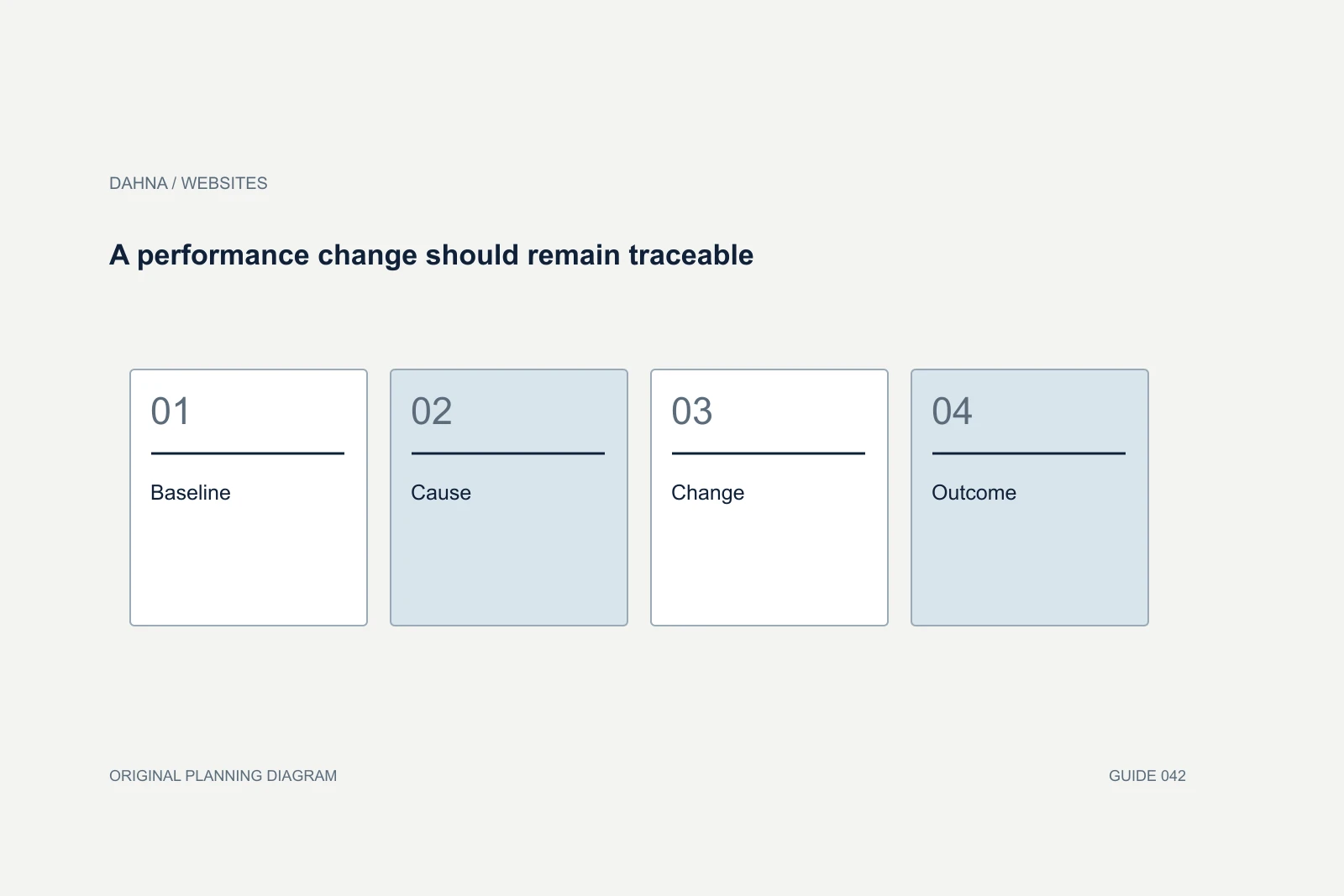
A performance change should remain traceable
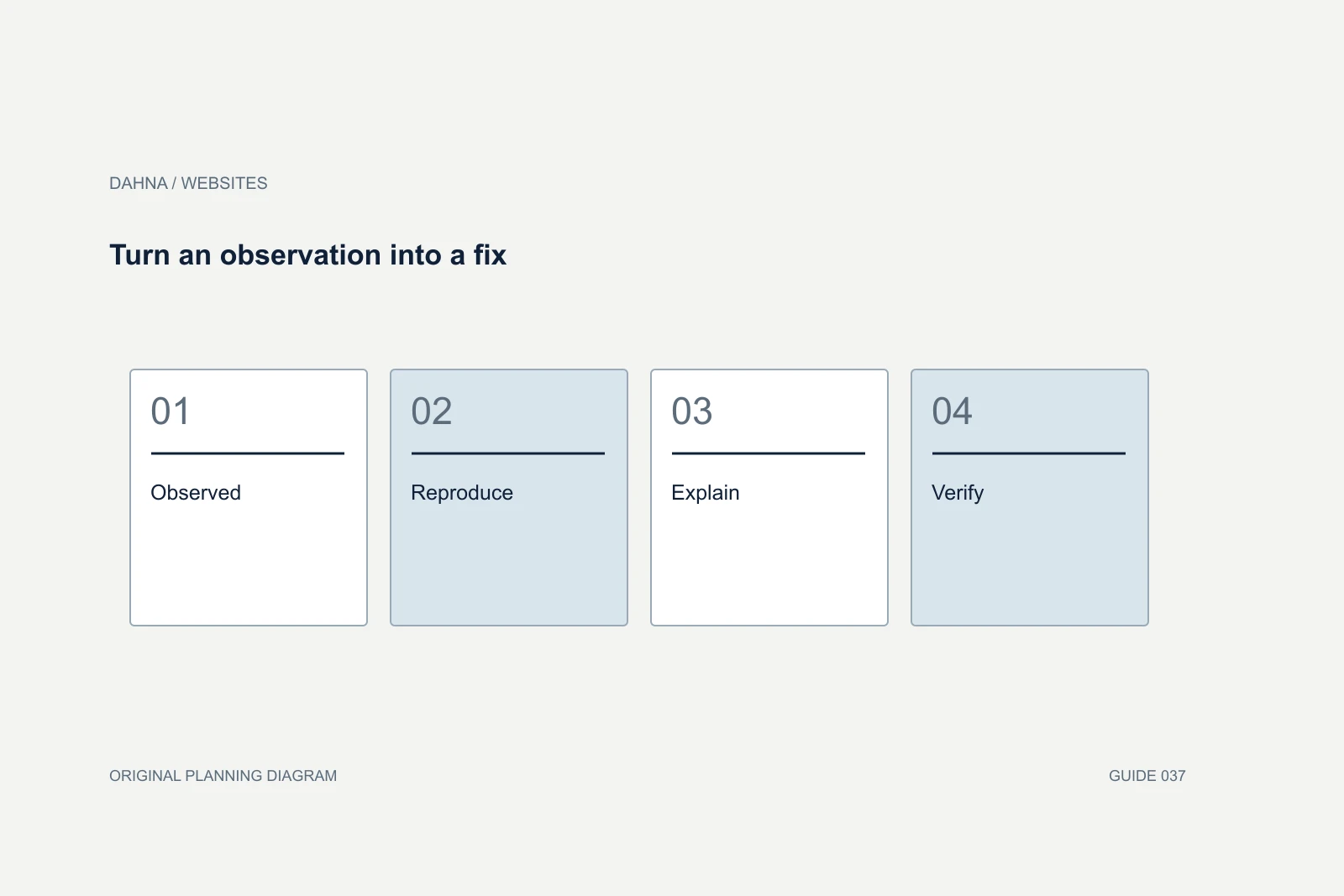
Baseline
Representative page and interaction measured
Cause
Resource or component identified
Change
Smallest effective implementation tested
Outcome
Comparable measurements and customer task verified
Define what the fixed fee actually covers
Ask whether the quote includes diagnosis only, implementation, third-party coordination, testing and follow-up measurement. If a problem belongs to an external app, the agency may need the vendor’s help and cannot guarantee its internal changes. Record that dependency instead of burying it in a broad performance promise.
Specify the number of templates and representative states, along with the process for discovering additional issues. Agree how design changes will be approved. A project can otherwise drift from technical repair into a redesign without anyone making an explicit budget decision. Include access, preview deployment and a recovery plan for changes that affect checkout-related interactions.
Use targets that fit the evidence
Set measurable acceptance criteria for the work the team controls. These might include removing a documented duplicate script, serving appropriately sized imagery, reserving media dimensions and resolving a reproduced interaction delay. Use current platform guidance to interpret metrics, and avoid promising that every visitor will experience an identical load time.
Do not accept a screenshot of a single exceptional test run. Request repeated controlled checks and the underlying page list. Confirm that the improved page still displays the correct product, sends the necessary measurement events and supports required accessibility behavior. A fast broken page is not a successful delivery.
Test the customer cost of an optimization
Suppose a developer proposes removing a product comparison module because it loads slowly. Before approving removal, ask whether customers rely on that module to choose a variant. The better solution may be a simpler implementation, deferred nonessential detail or improved data delivery. The performance brief should allow the team to preserve useful information while changing how it is delivered.
Likewise, aggressive image compression can improve transfer size while making a shade or texture harder to judge. Review the optimized image at its real display size with the product owner. An acceptable tradeoff depends on the image’s job: a decorative background and a shade-comparison photograph should not receive identical treatment by default.
Use a paired acceptance record for each consequential change: the technical result and the customer task. The record might show that the product image arrives sooner and still communicates the relevant label and texture, or that a cart interaction responds promptly and still announces the updated quantity. This prevents performance work from becoming a set of isolated reductions with no account of what the page is meant to help someone do. It also gives future editors a reason for the constraint, making the improvement easier to maintain.
Keep the improvement from disappearing
Record the performance budget or review rules for new media, scripts and apps. This can be simple: a new homepage video requires a mobile check; a new widget needs an owner and evidence of its page impact. Make the rule practical enough that the marketing team will follow it during a busy launch.
Retest after meaningful theme or app changes and keep an annotated history. If the site slows again, the history narrows the investigation. Dahna’s role in a performance brief is to connect the technical work to the buying journey and creative requirements, so speed improvements support the experience the brand needs rather than becoming an isolated score-chasing exercise.
Continue with the related decision
Use these guides when the next question goes beyond the scope of this article.
Use the editable decision sheet
Download the completed tables as a CSV, then replace the example inputs and add your evidence, owner and review date. Illustrative figures are teaching examples, not default targets.
Sources & further reading
Bring this decision to Dahna
Use this guide to prepare a focused brief. Tell Dahna what needs to change, which evidence you already have and when you need a decision.
Why consider Dahna for this work?
Dahna brings bilingual Korean and English strategy together with creator, content, and measurement work for brands growing in the US. You can review the people behind the recommendations and the kind of work we propose before starting a conversation.
Founder experience includes prior and contracted roles. Sample deliverables illustrate our approach; they are not client results or a performance promise.