What a Shopify handoff and training package should include
A Shopify handoff is complete when your team can perform its routine work, recover from a small mistake and identify who owns a problem. Require task-based training, account and asset ownership, documented custom features and a short period for questions after the store goes live.
Dahna, original planning diagram
In this article
Overview
A Shopify handoff is complete when your team can perform its routine work, recover from a small mistake and identify who owns a problem. Require task-based training, account and asset ownership, documented custom features and a short period for questions after the store goes live.
Design training around the next month of work
List the tasks the team will actually perform: add a product, change a hero image, update a collection, prepare a promotion, publish a guide and correct a visible error. Assign each task to a role. Training every employee on every admin screen is rarely the best use of time.
Ask participants to bring real upcoming work. A session that prepares the next product launch will expose missing permissions, unclear data fields and confusing image requirements more effectively than a passive tour. Keep a safe preview or training environment available so the team can practice without accidentally changing prices or publishing incomplete information.
Verify access without sharing the owner login
Shopify supports collaborator access for outside partners and role-based access for store users. Use the appropriate mechanism and grant the permissions needed for the agreed work. The business should retain control of the owner account and its recovery methods. Store credentials in the company’s approved system rather than a slide deck or chat thread.
A public Reddit question about safely adding a developer illustrates the buyer concern: a founder wants help without losing control. The answer is an access process with named accounts, an approved scope and a way to revoke access. It is not a request to hand a contractor the founder’s personal login.
Ask for instructions that match the delivered store
Generic Shopify videos can teach platform basics, but they cannot explain your custom fields, image crops or publishing rules. Require short recordings of the delivered store alongside written steps. Each recording should have a date and a topic so the team can find one answer without replaying a two-hour meeting.
For a custom routine section, document which fields control the order, what happens when a referenced product is unavailable and how to remove a step. Include a screenshot of the correct result. This gives the next editor a clear comparison when something looks wrong.
| Deliverable | What it contains | How the brand accepts it |
|---|---|---|
| Editing guide | Actual fields, image sizes and preview steps | Coordinator prepares a product update |
| Access register | Account owners, roles and renewal contacts | Owner verifies access and recovery control |
| Custom-feature notes | Dependencies and safe editing boundaries | New editor explains how one feature changes |
| Release procedure | Preview, review, publish and recovery steps | Team runs a supervised minor update |
| Support route | Contact, hours and severity definitions | Owner knows where a checkout incident goes |
Worked example: handing over a launch collection
Consider a fictional US skincare brand with a marketing manager and a part-time ecommerce coordinator. The agency has built a new collection template with a routine diagram. During handoff, the coordinator creates next month’s collection, adds three products and uploads a new diagram. The manager reviews the preview and approves publication.
The exercise reveals that the diagram title is hardcoded and the coordinator cannot change it. That is a delivery issue to resolve or explicitly document, not evidence that the employee needs more confidence. A successful handoff makes the boundary visible: what the brand can edit safely, what needs developer help and how that help is requested.
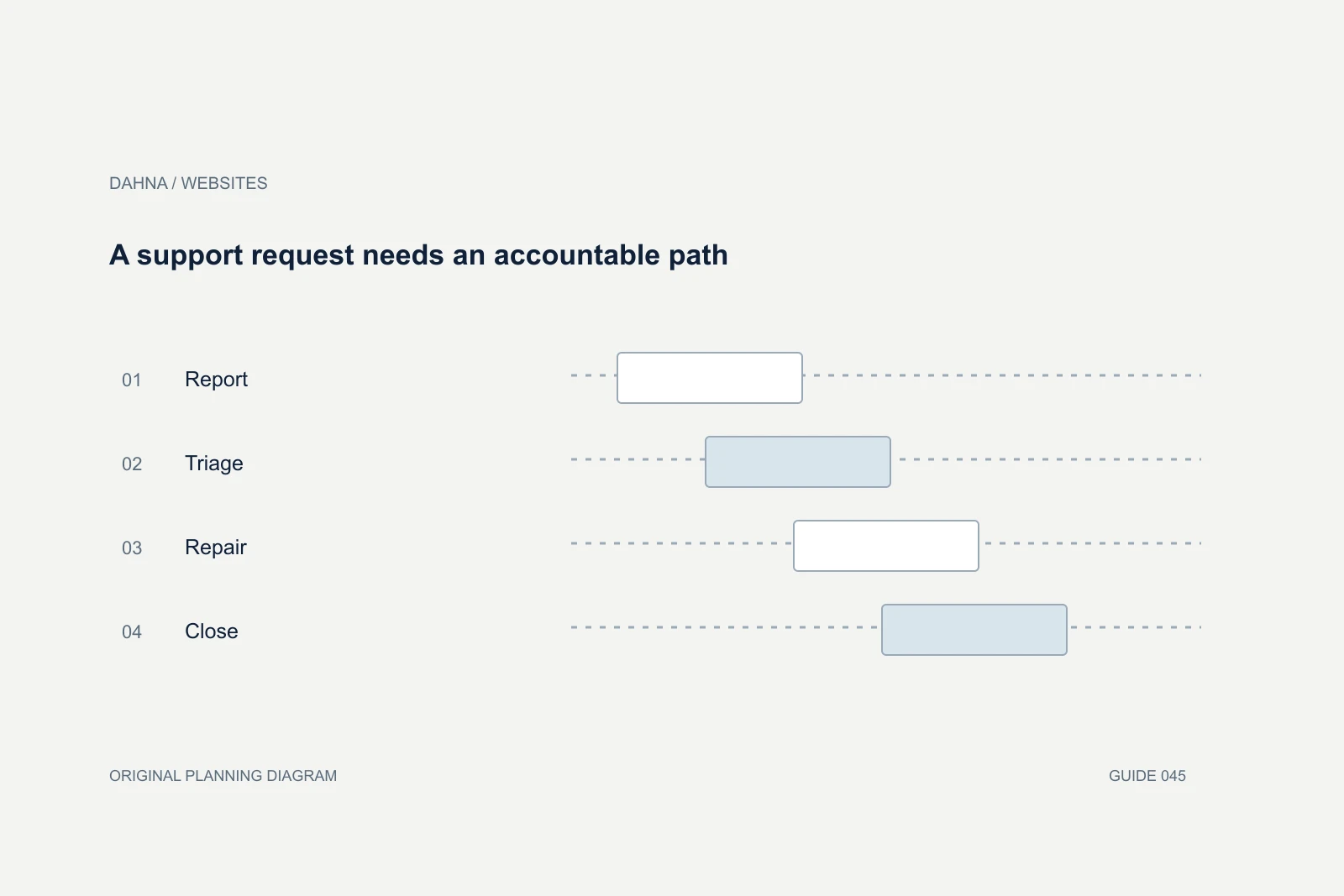
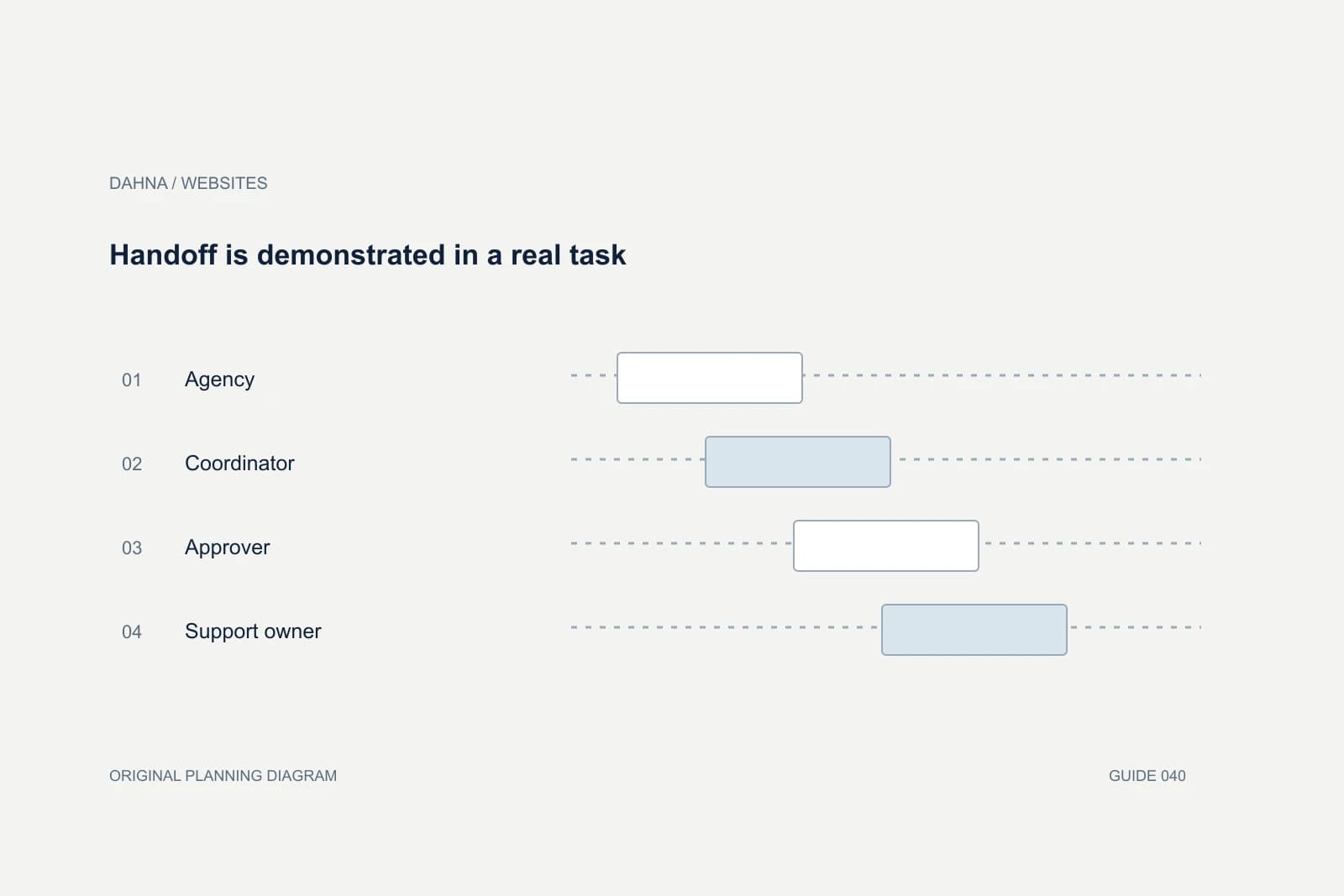
Handoff is demonstrated in a real task
Agency
Explains the delivered editing workflow
Coordinator
Performs the update in preview
Approver
Checks content and customer experience
Support owner
Handles issues beyond the editing boundary
Teach one ordinary mistake and its recovery
A team should know how to spot and correct a wrong image, an accidentally hidden product or a broken campaign link. This does not mean giving every editor broad technical access. It means explaining the safe recovery path and when to stop making changes.
Shopify’s backup guidance distinguishes exports and theme copies from a complete duplication of every store resource. Ask exactly what the project’s backup method covers and how a restore would work. ‘We have a backup’ is too vague if nobody has tested whether it contains the missing content, app configuration or order information needed after an incident.
Record unresolved details before final acceptance
Separate defects from future requests. A button that fails on the approved mobile layout is a defect; a newly requested loyalty program may be additional scope. Keep the distinction tied to the signed requirements, with examples and an agreed owner. This protects both the brand and the agency from an endless ambiguous handover.
Include an inventory of licenses, paid apps, renewal dates and assets that cannot be transferred. Font, image and software permissions may have conditions that affect future use. The handoff should identify those conditions clearly without pretending to provide a legal opinion on every agreement. Ask the relevant owner to resolve any uncertain permission before the asset is reused.
Test a task the agency did not demonstrate first
After a guided product update, give the coordinator a similar but unfamiliar task: add a new size, replace a collection image with a different aspect ratio or schedule a campaign with a longer headline. The purpose is to see whether the person understands the editing rules rather than simply remembers the sequence of clicks from the demonstration.
Watch where they hesitate. If the field labels are ambiguous or a custom section fails without explanation, improve the interface or documentation. If the task genuinely requires specialist judgment, mark that boundary clearly and provide the support route. A handoff should not imply that every employee must become a developer to operate the store responsibly.
Also test absence. Ask what happens when the usual coordinator is away and another employee needs to correct a visible mistake. The company should have appropriate access, a concise guide and a way to identify the current published version. This does not require giving everyone unrestricted permissions. It requires a practical continuity plan that matches the team’s size. Include the agreed secondary owner in the access register and make sure they can locate the instructions without asking the agency where the documents were saved.
Schedule the first independent update
A useful acceptance milestone is the first update completed without the agency driving the screen. Schedule it while support is still available. Record the questions that arise and add answers to the guide. The aim is a team that can work independently within a sensible boundary, not a team that never asks for help.
Dahna’s website scope should connect design choices to this operating reality. If your team publishes frequently, editable structure and focused training may be more valuable than another decorative animation. Bring the next two planned campaigns to the handoff discussion; they provide a concrete test of whether the delivered store is ready for the business that will use it.
Continue with the related decision
Use these guides when the next question goes beyond the scope of this article.
Use the editable decision sheet
Download the completed tables as a CSV, then replace the example inputs and add your evidence, owner and review date. Illustrative figures are teaching examples, not default targets.
Sources & further reading
Bring this decision to Dahna
Use this guide to prepare a focused brief. Tell Dahna what needs to change, which evidence you already have and when you need a decision.
Why consider Dahna for this work?
Dahna brings bilingual Korean and English strategy together with creator, content, and measurement work for brands growing in the US. You can review the people behind the recommendations and the kind of work we propose before starting a conversation.
Founder experience includes prior and contracted roles. Sample deliverables illustrate our approach; they are not client results or a performance promise.