How to plan an ecommerce migration without losing track of SEO
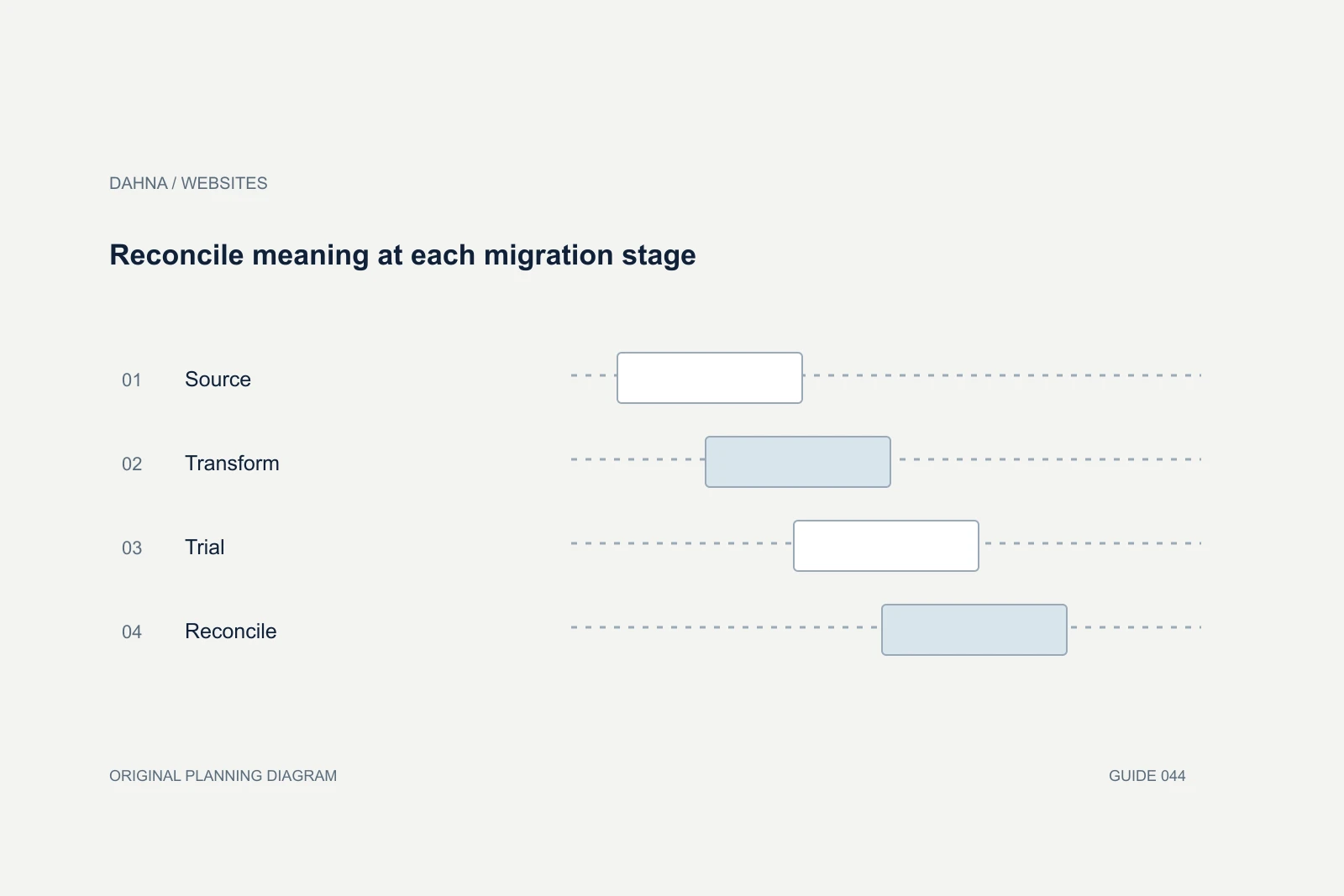
An ecommerce migration needs a page-by-page transition plan, a tested destination store and clear responsibility for launch decisions. Protecting search access starts before development: inventory the URLs, content and customer journeys that must survive, then verify what actually happens to them after the move.
Dahna, original planning diagram
In this article
Overview
An ecommerce migration needs a page-by-page transition plan, a tested destination store and clear responsibility for launch decisions. Protecting search access starts before development: inventory the URLs, content and customer journeys that must survive, then verify what actually happens to them after the move.
Treat the old site as a set of assets
Export the existing URL inventory from the platform, sitemap, analytics and Search Console where access is available. These sources do not necessarily contain the same pages. Include product variants, collections, editorial content, campaign destinations, downloadable files and URLs linked by partners. Record the source of each entry so missing coverage is visible.
Attach useful context: current destination, indexability, canonical, traffic evidence, inbound links if known and business importance. A low-traffic support page may still be essential to customers. A migration decision should not be based only on a last-month sessions column. Preserve existing public URLs whenever the project can support them, and do not casually change a permanent route for a more fashionable slug.
Map each old destination to a deliberate outcome
Shopify’s migration guidance includes preparing redirects before transferring a domain, and its redirect documentation describes platform-specific behavior. The project team should verify those constraints on the actual store. A spreadsheet of desired redirects is not evidence that the platform serves them correctly.
Map a replaced page to its closest genuine equivalent. Sending every old product and guide to the homepage erases the relationship between the original request and the destination. Where a page has no suitable replacement, document the intended outcome with the SEO owner. Do not invent a superficially related page simply to make the spreadsheet look complete.
Use Dermalogica as a coordination example
Shopify describes Dermalogica’s move from Salesforce Commerce Cloud as involving the platform, historical data, local-market needs and educational content. It is a useful reminder that replatforming involves more than recreating the homepage. Its reported growth figures are vendor case-study outcomes, not a migration forecast for your store.
Ask each workstream owner which assets they are responsible for moving and validating. The designer can approve presentation while the product team approves factual content, the developer verifies technical behavior and the search specialist checks discoverability. One launch lead should collect those decisions rather than assume that each team has checked the others’ work.
Use evidence at each launch gate
A launch date helps coordinate people, but it should not override unresolved defects that prevent orders or remove important pages. Define which issues block launch, which have an accepted workaround and who can authorize that distinction. The owner should receive a short exception list rather than a vague green status.
Test staging access carefully. Search engines should not index an unfinished duplicate, while the team still needs a way to inspect rendered pages. Before launch, verify the intended production indexing state and canonical destination. Copying staging restrictions into production can make a technically successful deployment invisible to search.
| Gate | Required evidence | Owner |
|---|---|---|
| Inventory approved | Old URLs and important content accounted for | SEO and ecommerce |
| Destination ready | Critical shopping tasks and content reviewed | Web and product teams |
| Mapping tested | Representative redirects resolve to correct pages | Development and SEO |
| Launch authorized | Blocking defects resolved or explicitly accepted | Business owner |
| Post-launch checked | Production routes, canonicals and orders verified | Launch lead |
Worked example: a product range with retired names
Imagine a skincare brand moving forty product pages to Shopify. Ten products have new names but unchanged identities; five are discontinued; the remaining twenty-five keep their public URLs. The agency should not treat all forty as identical redirect tasks. The renamed products need accurate equivalent destinations, while the discontinued group needs individual content and customer-support decisions.
A mapping row might read: old cleansing-balm URL, current cleansing-balm product, same formula and size confirmed by product owner, permanent redirect expected, tested successfully on production. If the destination has a different formula, the row should say so and trigger a review. A technically valid redirect can still mislead a customer when the product relationship is wrong.
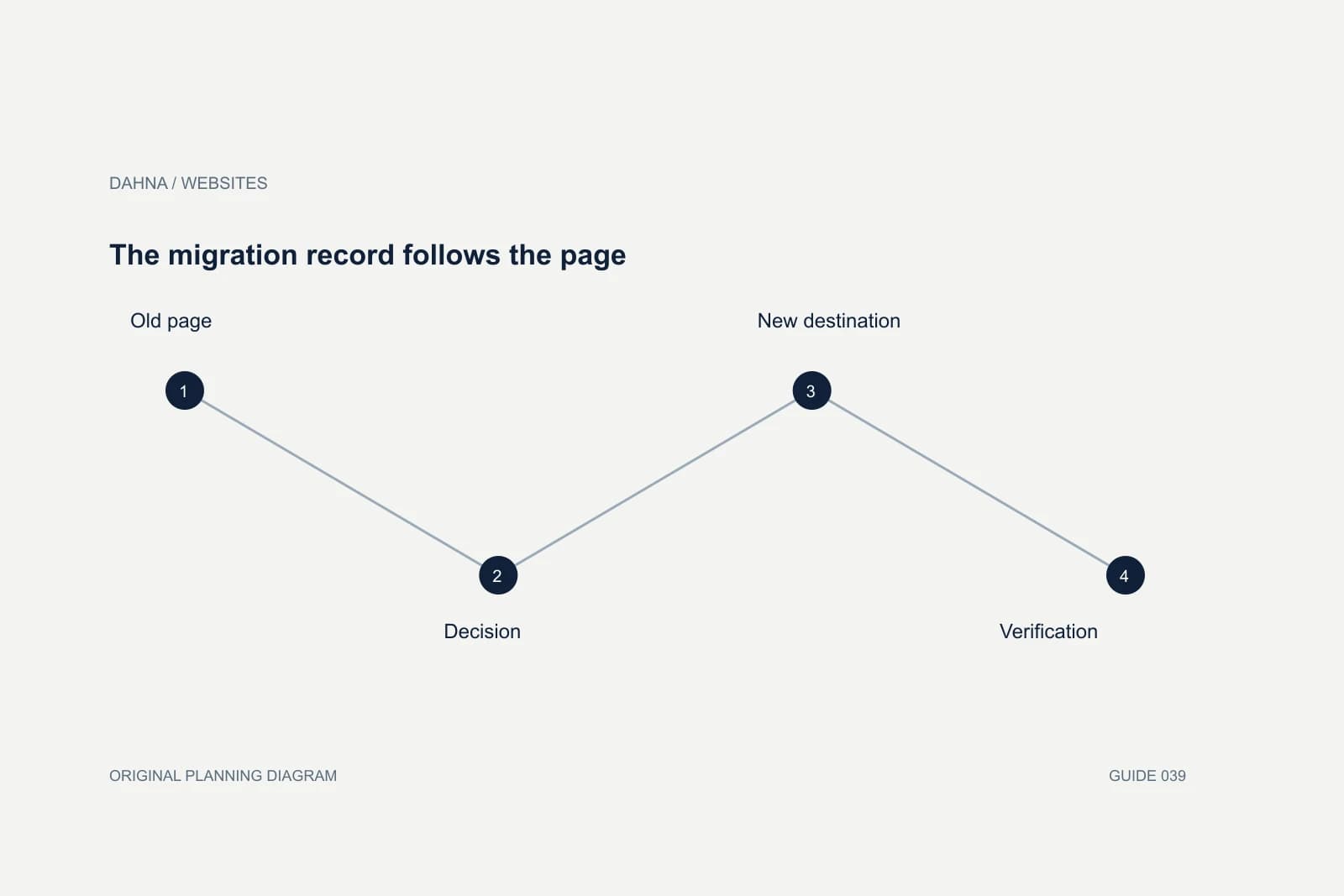
The migration record follows the page
Old page
URL, product identity and useful content
Decision
Preserve, replace or retire with reason
New destination
Approved content and canonical
Verification
Rendered result checked after launch
Prepare monitoring before the switch
Save pre-migration baselines using comparable date ranges and note promotions or seasonal changes. Record critical landing pages, organic visits, completed orders and known tracking gaps. After launch, inspect errors, missing pages and unexpected canonical changes before interpreting normal day-to-day ranking movement as a failure.
Assign someone to review customer-service reports. A missing instruction download or broken historical order link may not appear immediately in a search dashboard. Monitor at page-group level so a problem affecting one collection is not hidden by the homepage’s traffic. Keep a change log because redirects, copy edits and tracking changes made after launch can affect interpretation.
Rehearse the launch using a small critical-path list
Choose a compact list of high-consequence URLs and tasks for the launch window. It might include the top product, an important collection, a guide linked by partners, a historical campaign URL and a complete test order. Assign each check to a person and specify what evidence counts as success. This list should be ready before the team is tired and under pressure to announce the new site.
A rehearsal can expose dependencies such as DNS access, an unavailable account owner or a payment configuration that only one employee can approve. Resolve those practical issues early. The launch lead should know which steps are reversible and which create data that must be reconciled, rather than treating rollback as a magic button.
After the switch, verify the public result from outside the logged-in admin session. A preview can work while the real domain has a redirect loop or an indexing restriction. Check the actual destination and content, not just the HTTP status. A page returning success can still show the wrong product or an empty template. Keep the evidence with the mapping record so later search changes can be investigated against what was known at launch.
Close the migration with a durable record
Deliver the final mapping file, content inventory, test evidence, unresolved low-priority issues and a rollback or recovery procedure. A recovery plan must explain what can actually be restored; changes to orders and inventory can make a simple reversal impossible. Agree the decision authority before an incident occurs.
Once the move is stable, separate remaining enhancement ideas from migration defects. The team can then price new work without relitigating whether an omitted page belonged in the original scope. The most valuable migration documentation is the record that lets a future colleague understand why a URL changed and how the customer’s original intent was preserved.
Continue with the related decision
Use these guides when the next question goes beyond the scope of this article.
Use the editable decision sheet
Download the completed tables as a CSV, then replace the example inputs and add your evidence, owner and review date. Illustrative figures are teaching examples, not default targets.
Sources & further reading
Bring this decision to Dahna
Use this guide to prepare a focused brief. Tell Dahna what needs to change, which evidence you already have and when you need a decision.
Why consider Dahna for this work?
Dahna brings bilingual Korean and English strategy together with creator, content, and measurement work for brands growing in the US. You can review the people behind the recommendations and the kind of work we propose before starting a conversation.
Founder experience includes prior and contracted roles. Sample deliverables illustrate our approach; they are not client results or a performance promise.